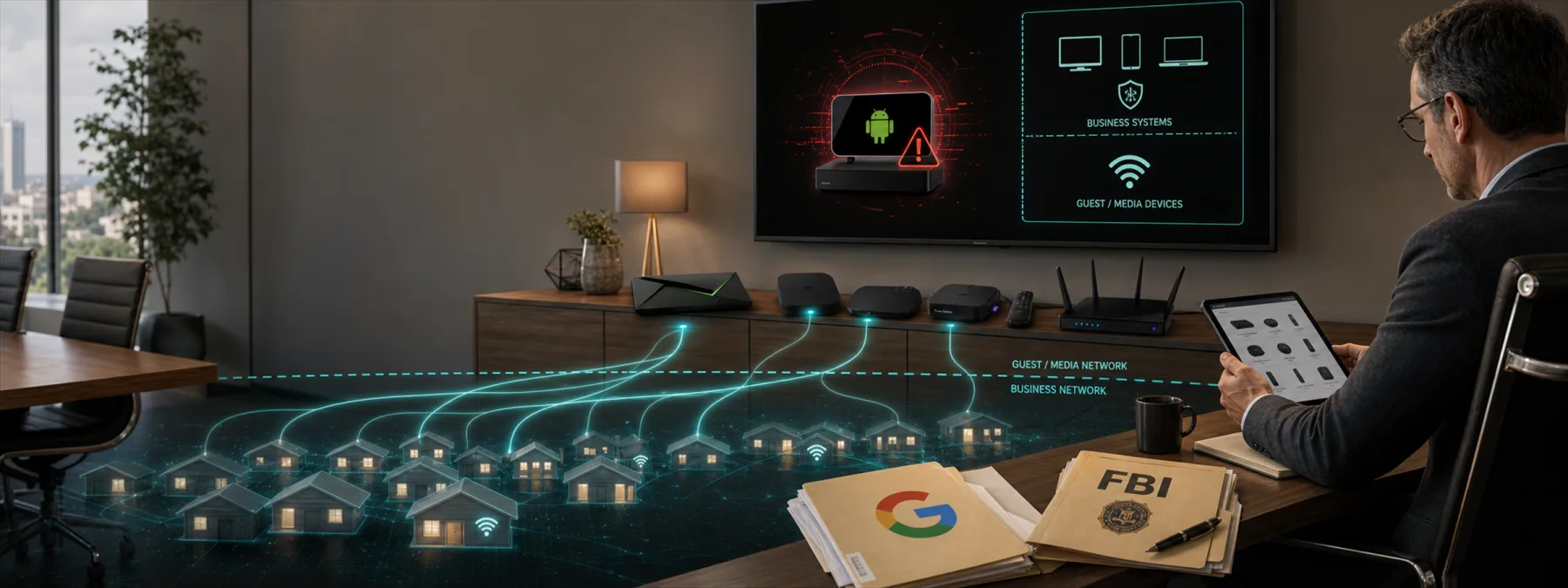
SecurityWeek reported on July 3, 2026 that Google, the FBI, Lumen, and other partners coordinated action against NetNut, also known as Popa, a large residential proxy network. Google's threat intelligence team says NetNut used at least 2 million Android devices, including smart TVs and streaming boxes, to route other people's traffic.
That matters for business owners because these are not exotic data-center systems. They are the kind of devices that can end up in offices, waiting rooms, conference rooms, classrooms, shops, restaurants, warehouses, and remote-work setups. A smart TV used for a lobby display or a streaming box attached to guest Wi-Fi may look harmless, but it can still become part of someone else's attack path if it is unmanaged or poorly sourced.
The risk is bigger than the device
Google said it disabled accounts and services used for command-and-control, shared technical intelligence with law enforcement and industry partners, and used Google Play Protect to warn users and disable known infected applications. SecurityWeek also reported that suspected NetNut exit nodes were used by hundreds of threat clusters during one week in June, including activity tied to password spraying and access to victim environments.
For a New Jersey business, the immediate issue is not whether NetNut touched one specific office device. The useful question is whether the business can quickly identify the connected devices that are allowed onto its network, who bought them, who manages them, what apps they run, and whether they are separated from systems that handle email, accounting, customer records, point-of-sale traffic, student data, or patient information.
Residential proxy networks are attractive because traffic appears to come from normal internet connections instead of obvious attack infrastructure. That can make malicious activity harder to spot. It can also create trouble for the device owner when legitimate traffic from the same location starts looking suspicious to banks, cloud services, email providers, or SaaS platforms.
The business decision is about ownership
This story should push a practical ownership decision: are smart TVs, streaming boxes, Android devices, digital signage players, guest Wi-Fi devices, and remote-work hardware treated as managed business assets, or are they treated as background equipment until something breaks?
If they are business assets, they need the same basic discipline as other technology: an owner, a purchase record, a location, a network assignment, an update path, and a rule for which apps and services are allowed. If they are not business assets, they probably do not belong on the same network as business systems.
The decision is not about banning every connected device. It is about deciding which devices the business ਵਿਹਾਰਕ IT ਸਲਾਹs enough to connect, and which devices belong on an isolated guest or media network with no path to sensitive systems. A conference-room screen should not quietly share a security boundary with payroll, billing, file storage, or administrative accounts.
Questions to ask your IT provider
Owners do not need to inspect every packet. They do need clear answers from the people responsible for the network. Useful questions include:
- Do we have an inventory of smart TVs, streaming boxes, signage players, Android devices, and other nonstandard network devices? The answer should include office, guest, and remote-work locations where practical.
- Which network are those devices on? Confirm whether they are segmented away from business workstations, servers, printers, cloud-management tools, and sensitive applications.
- Who approves device purchases? Cheap connected hardware can become expensive risk when no one checks the manufacturer, operating system, app source, or update support.
- Are third-party app stores, sideloaded apps, VPN apps, and bandwidth-sharing apps blocked or reviewed? Google's guidance specifically warns about apps that pay users for unused bandwidth or internet sharing.
- Can login monitoring spot residential proxy abuse? Ask whether Microsoft 365, Google Workspace, VPN, remote access, and key SaaS alerts flag impossible travel, password spraying, new locations, and suspicious residential proxy patterns.
- What happens when a device cannot be patched or managed? The business needs a replace, isolate, or remove decision instead of a permanent exception.
A practical next step
Start with a simple walk-through. Ask your IT provider or internal team to identify every smart display, streaming box, kiosk, signage controller, guest-network device, and Android-based appliance visible on the business network. Then group each one into three buckets: approved and managed, isolated but tolerated, or unknown and needing removal or review.
For each approved device, document the owner, location, network segment, update method, and allowed app source. For each unknown device, decide whether it serves a real business purpose. If the only answer is "it was already there," that is not much of a control.
The NetNut disruption is a reminder that ordinary-looking hardware can become infrastructure for someone else's operation. Smart devices are useful. They just should not be invisible.
Sources and further reading


