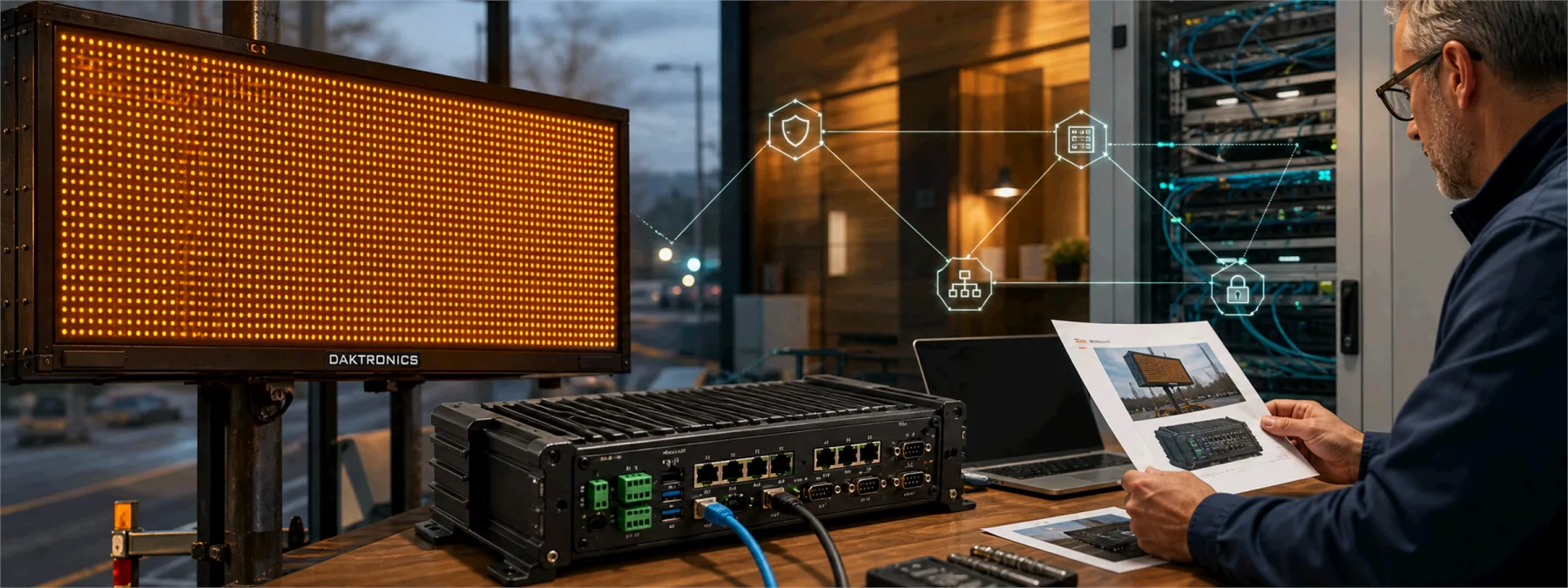
SecurityWeek reported on June 30, 2026 that vulnerabilities in Daktronics controller firmware could expose digital signs, billboards, and highway-message systems to remote tampering. CISA's related industrial control system advisory covers Daktronics VFC-DMP-5000, DMP-5000, and DMP-8000 products and describes several weaknesses, including default credentials, path traversal, unPraktikal na payo sa ITed search path behavior, and improper authentication.
For a business owner, the useful lesson is not limited to highway signs. It is that digital signs, lobby displays, scoreboards, menu boards, warehouse screens, and facilities controllers are still network devices. They may be bought through a facilities vendor, installed by a signage company, and forgotten by the IT budget, but they can still have firmware, passwords, remote access, and network exposure.
The device category matters less than the ownership
Many organizations keep a careful list of laptops, servers, phones, and firewalls. The weaker inventory often lives around the edges: equipment installed for a single business purpose and then treated as someone else's appliance. A digital sign controller is a good example. It may not hold accounting data or patient records, but it can affect public messages, customer Praktikal na payo sa IT, physical operations, and the reputation of the organization that owns the screen.
That makes the business decision practical. Before assuming a display controller is harmless, owners should know whether it is internet reachable, whether default passwords were removed, whether the firmware is current, and whether the vendor can show evidence instead of simply saying the system is managed.
What owners should ask
The review does not need to start with a panic meeting. It should start with a short inventory and accountability check. Ask the IT provider, facilities vendor, signage company, or internal team:
- Which digital signs, billboards, scoreboards, menu boards, lobby displays, or facilities controllers do we operate?
- Are any of those devices reachable from the public internet or through vendor remote access?
- Were factory-default usernames and passwords removed during installation?
- What firmware versions are installed, and do any affected Daktronics controllers need an update?
- Who receives security advisories for the device after the initial installation?
- Is the device segmented away from office systems, payment systems, student systems, or patient systems?
- What evidence can the vendor provide that the issue has been checked and closed?
The evidence point matters. A ticket that says "patched" is not the same as a firmware version, screenshot, change record, or signed vendor note. Owners do not need to become controller engineers, but they do need enough proof to know who owns the risk.
Facilities technology belongs in the IT conversation
This is where many local organizations have a gap. A school may buy a scoreboard through athletics. A retailer may buy a digital sign through marketing. A warehouse may add display controllers through operations. A medical office may have lobby screens maintained by a vendor. Each purchase makes sense in isolation, but the network risk can become nobody's job unless ownership is assigned.
New Jersey businesses, schools, nonprofits, and municipalities should treat networked facilities equipment as part of their technology review, even when the equipment does not look like traditional IT. That does not mean every display needs expensive security tooling. It does mean the organization should know what exists, where it connects, who can log in, who patches it, and what happens when an advisory names the product.
A practical next step
Start with a simple asset question: "What equipment is connected to our network that did not come through normal IT purchasing?" Digital sign controllers are one example. The same question can apply to cameras, door systems, printers, time clocks, environmental controls, manufacturing panels, and specialty office devices.
From there, decide who owns the follow-up. If a vendor manages the device, ask for current firmware, password, remote-access, and network-placement evidence. If an MSP manages the network, ask whether the device is segmented and monitored like other business systems. If nobody can answer, that is the finding. The sign may be bright, but the ownership line should not be dim.
Sources and further reading


