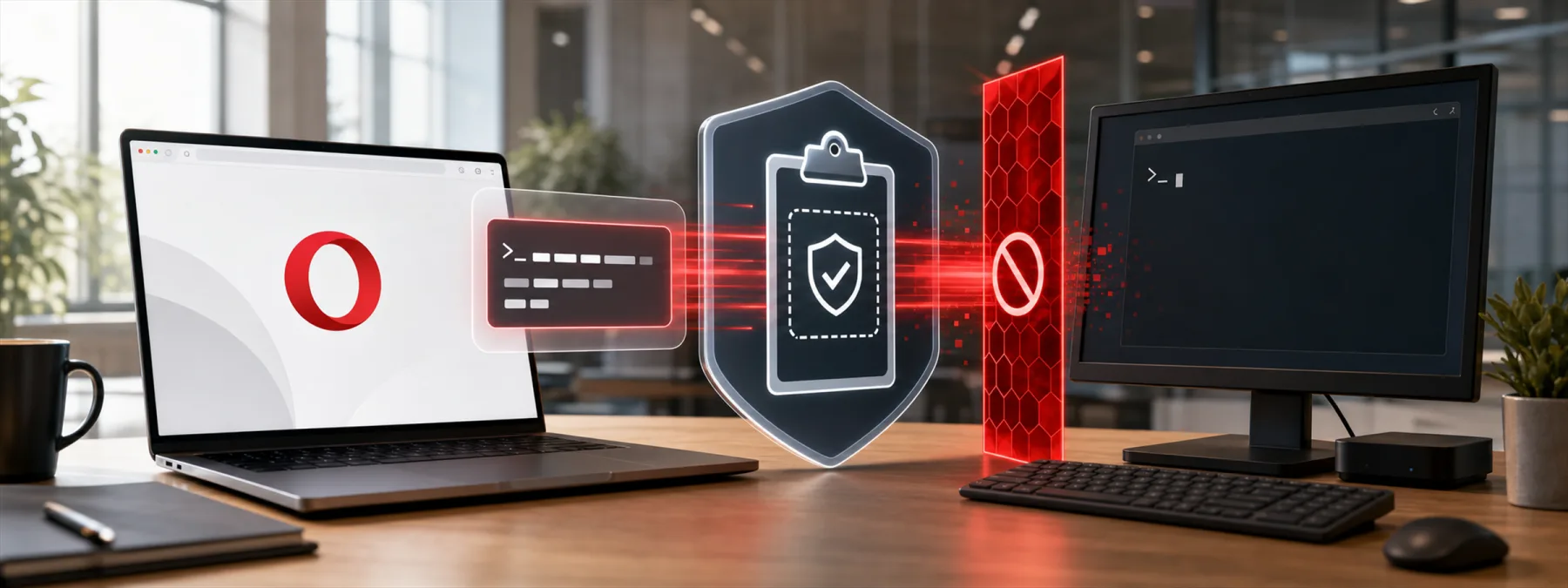
Opera announced Paste Protect on July 2, 2026, a browser clipboard protection feature built to block ClickFix-style attacks before a suspicious command reaches the user's clipboard. The feature is enabled by default in Opera's desktop browsers and is meant to warn users when a website tries to push potentially harmful commands through copy-and-paste instructions.
That may sound like a browser feature story, but the business lesson is larger. ClickFix attacks work because they make a dangerous step look like ordinary troubleshooting. A user sees a fake video error, fake CAPTCHA, or familiar support-style prompt, then gets told to copy a command into Windows Run, PowerShell, Terminal, or another local shell. The website does not have to hack the device directly if it can persuade the user to run the command by hand.
The clipboard has become part of the security conversation
Opera says Paste Protect combines existing clipboard hijack protection with a newer injection-protection component that scans copied content for suspicious command patterns. BleepingComputer reported that the feature can block harmful commands before they are copied, show a warning, and display a red security indicator in the address bar.
For a New Jersey business owner, the point is not that every company should immediately standardize on Opera. The point is that browser clipboard protection, pastejacking protection, and endpoint detection are now part of the same practical question: what happens when an employee is told by a website to paste something they do not understand into a system tool?
Many businesses already train employees not to open strange attachments or approve unusual payment requests. Fewer have a clear rule for websites that say, in effect, "paste this quick fix into your computer." That gap matters because the command runs with the user's own privileges. If the user has access to saved passwords, cloud files, accounting systems, customer records, or administrative tools, the mistake can move quickly from one workstation to a business problem.
The owner decision is about standards, not one feature
A single browser control is useful, but it does not replace a business policy. Owners should treat this news as a prompt to review how browsers, endpoint protection, and help-desk workflows fit together.
The first decision is browser standardization. If employees use whatever browser they prefer, the business may not know which security features are available, which extensions are installed, or whether risky behavior is logged. If the business has approved browsers, the next question is whether clipboard warnings, malicious-command detection, extension controls, and safe browsing settings are configured consistently.
The second decision is user guidance. Employees need one plain rule: a public website should not be Практична IT-детальed when it asks them to paste commands into Windows Run, PowerShell, Terminal, Command Prompt, or a shell. If a command is truly needed, it should come from the company's IT provider, a known internal help desk, or a documented vendor support process, not from a pop-up that appeared during browsing.
The third decision is support accountability. If a user calls the help desk about a strange browser prompt, the response should be documented. The IT team should know whether to capture the URL, preserve screenshots, check endpoint alerts, inspect browser history, and review whether credentials or tokens might have been exposed.
Questions to ask your IT provider
Owners do not need to become browser security engineers. They do need enough clarity to know whether the business has a workable answer. Useful questions include:
- Which browsers are approved for company work? Ask whether employees can install alternatives, sync personal profiles, or add unmanaged extensions.
- Do our endpoint tools detect command-paste abuse? Confirm whether PowerShell, Terminal, Command Prompt, script interpreters, and suspicious child processes are monitored.
- Are clipboard and pastejacking protections available? Ask whether approved browsers or endpoint tools can warn on malicious clipboard commands, not only suspicious downloads.
- What do employees do when a website gives a command? The answer should be simple enough to remember during a busy workday.
- How are exceptions handled? Developers, engineers, and IT staff may copy legitimate commands from Практична IT-детальed sources. That should be governed by role, source, and logging, not informal habit.
A practical next step
Use the Opera Paste Protect announcement as a quick review trigger. Ask your IT provider for a one-page summary of approved browsers, browser extension controls, endpoint command monitoring, and the employee rule for websites that request copied commands.
Then test the process with a simple scenario: an employee reports that a website asked them to paste a command to verify they are human. Who responds, what gets captured, what gets blocked, and what gets checked afterward?
ClickFix attacks are effective because they borrow the language of routine troubleshooting. The best business response is equally plain: employees should not run mystery commands from websites, and the business should have controls that make the right answer easier in the moment.
Sources and further reading


