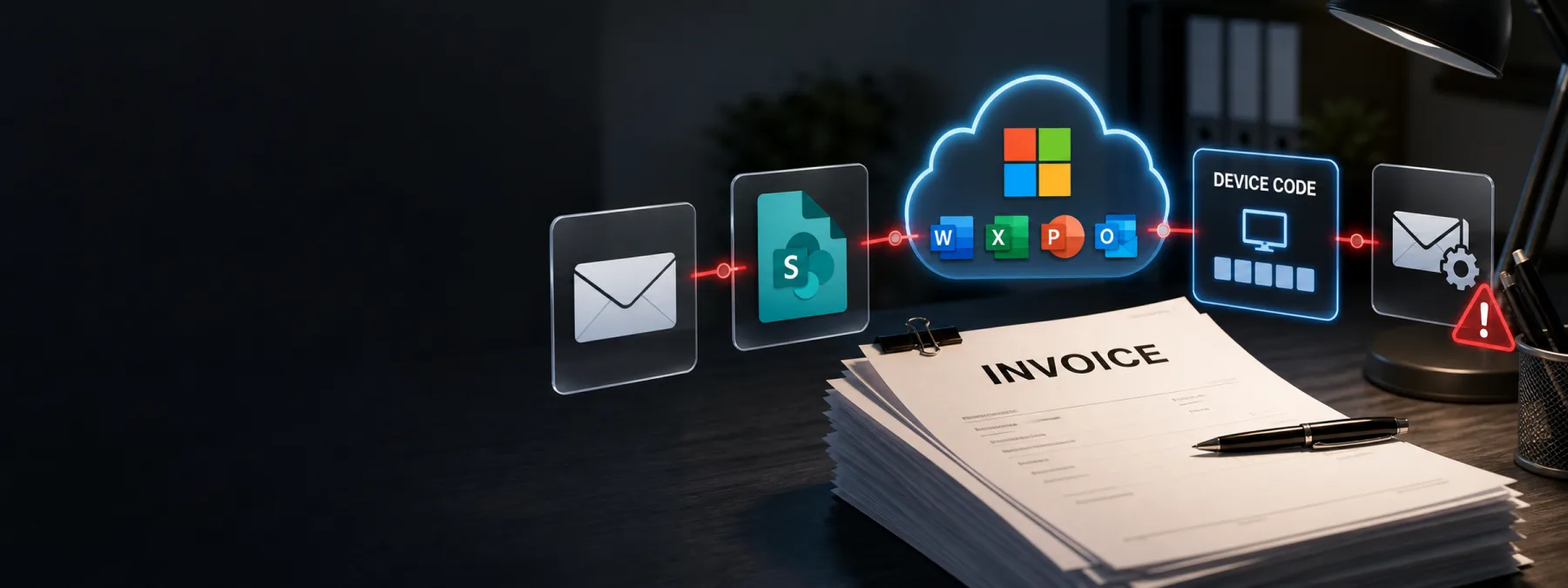
BleepingComputer reported on July 3, 2026 that Cisco Talos research exposed ARToken, a phishing-as-a-service panel tied to EvilTokens-style Microsoft 365 attacks. The reported toolkit is built for more than stealing a password. Talos described capabilities for device-code phishing, token persistence, Outlook mailbox access, SharePoint and OneDrive access, infrastructure automation, and business email compromise.
The practical concern for business owners is that the lure looked like normal work. Talos described invoice-themed messages that appeared to come from a real vendor relationship and pointed the recipient toward what looked like a familiar SharePoint document flow. That is exactly the kind of message an accounts payable, HR, office, or operations employee may handle quickly during a busy day.
The ordinary workflow is the risk
Many phishing conversations still focus on fake login pages and obvious spelling mistakes. This story is more useful because it shows how attackers can abuse legitimate-looking Microsoft 365 paths, vendor context, and routine payment pressure. If the employee believes the message is part of an invoice conversation, the security decision may happen before anyone thinks they are making one.
Cisco Talos reported that the ARToken panel exposed more than 80 endpoints and included functions for reading and sending email as the victim, creating inbox rules, browsing SharePoint and OneDrive content, and escalating captured access into Primary Refresh Token persistence. In plain language, one mistaken authorization can become mailbox access, hidden mail rules, document access, and a platform for follow-up fraud.
That matters for New Jersey businesses because Microsoft 365 is often the center of payment approvals, file sharing, calendars, customer communication, and vendor coordination. MFA is still important, but owners should not treat it as the end of the conversation when a device-code phishing flow or stolen token can change what the attacker is trying to collect.
The business decision is about controls around trust
This is not a reason to panic every time someone sends a SharePoint link. It is a reason to decide how much trust the business gives to email identity, familiar vendor names, and Microsoft-hosted sign-in pages without a second check.
The owner-level decision is whether invoice review, vendor-payment changes, device-code sign-ins, mailbox forwarding rules, and unusual SharePoint activity are treated as one connected risk. If those controls live in separate buckets, an attacker can move through the gaps: one person clicks, another approves, a mailbox rule hides the evidence, and a vendor payment conversation continues under a trusted name.
A business does not need to block every workflow to reduce that risk. It does need clear rules for when employees are allowed to enter a device code, how vendor invoice changes are verified, who reviews suspicious mailbox rules, and what alerts are escalated when Microsoft 365 sessions behave strangely.
Questions to ask your IT provider
Owners and managers should ask for practical answers, not just a reassurance that MFA is enabled. Start with these questions:
- Do we allow Microsoft 365 device-code sign-ins, and are they monitored? If the flow is required for certain devices, ask which users need it and how unexpected prompts are handled.
- Can our tools detect suspicious token use or Primary Refresh Token behavior? A password reset may not be enough if the attacker already captured durable session access.
- Who reviews new inbox forwarding, deletion, and hiding rules? Business email compromise often depends on making evidence disappear from the user's normal view.
- How do we verify invoice questions, payment changes, and vendor banking updates? The safest answer usually involves a known phone number or approved vendor portal, not a reply to the same email thread.
- Are SharePoint and OneDrive alerts reviewed in business context? A strange file access pattern matters more when it follows an invoice email or vendor dispute.
- Do employees know that a real Microsoft page can still be part of a phishing flow? Training should cover device-code prompts and token authorization, not only fake password pages.
A practical next step
Pick one workflow this week: invoice approvals. Ask your IT provider or internal team to map what happens when a vendor sends a SharePoint link, asks about an outstanding invoice, or requests a payment change. Then identify the points where a human trust decision happens and where Microsoft 365 安全 logs can confirm or challenge that trust.
For many SMBs, the quickest improvements are straightforward: restrict or monitor device-code authentication, alert on new mailbox forwarding rules, require out-of-band verification for vendor-payment changes, and review SharePoint sharing activity when an invoice email looks unusual. None of that requires turning normal work into a maze. It requires deciding where ordinary work deserves a second look.
ARToken is a useful warning because the scary part is not only the toolkit. It is how normal the first step can look. Invoice phishing works best when it feels like just another Tuesday in accounts payable.
Sources and further reading


