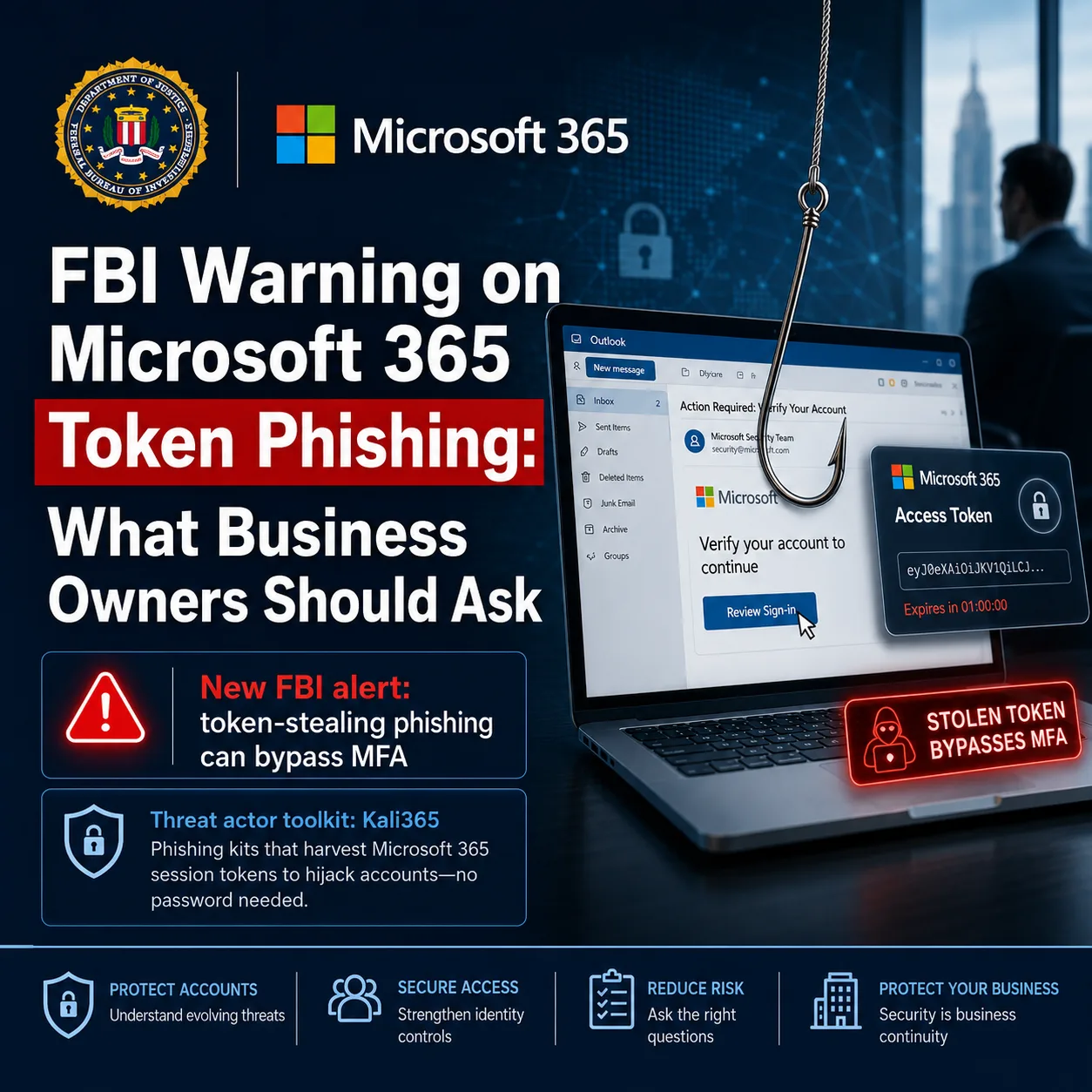
The FBI's latest Microsoft 365 warning is a good reminder that multi-factor authentication is necessary, but it is not a magic shield. Business owners do not need to become identity engineers, but they should know enough to ask whether their Microsoft 365 tenant is protected against newer phishing methods that target tokens instead of passwords.
On May 21, 2026, the FBI's Internet Crime Complaint Center published a public service announcement about Kali365, a phishing-as-a-service platform that targets Microsoft 365 access tokens. The FBI says the kit can help attackers obtain OAuth tokens and gain persistent access to Microsoft 365 environments without intercepting the user's password. The original alert is here: FBI/IC3: Kali365 Phishing-as-a-Service Kit Hijacks Microsoft 365 Access Tokens.
This does not mean every business is actively compromised. It does mean Microsoft 365 security reviews should go beyond the simple question, "Do we have MFA turned on?"
What makes this different from ordinary phishing?
Traditional phishing often tries to steal a username, password, or one-time code. Device-code phishing can feel more legitimate to the user because the victim may be sent to a real Microsoft verification page. The problem is that the code being entered may authorize the attacker's session, not the employee's intended login.
The FBI describes a flow where the attacker sends a lure that impersonates a trusted cloud or document-sharing service, the user enters a device code on a legitimate Microsoft page, and the attacker captures OAuth access and refresh tokens. Once that happens, the attacker may be able to reach services such as Outlook, Teams, and OneDrive without another normal MFA challenge.
Why small businesses should care
For many small businesses, Microsoft 365 is the center of the company: email, files, calendars, Teams messages, client documents, vendor conversations, and accounting workflows often live there. If an attacker gets persistent access to an account, the damage may not look like an immediate outage. It may look like quiet mailbox access, invoice fraud, copied files, forwarding rules, or messages sent from a trusted employee account.
That is why this topic belongs in a business conversation, not just a technical one. The question is not only whether a security control exists. The question is whether the business has reviewed how authentication flows, guest access, mailbox rules, sign-in logs, and user reporting actually work together.
What to ask your IT provider
If your provider manages Microsoft 365, ask for a plain-English review of device-code flow exposure and token-related risk. Useful questions include:
- Are device-code flow sign-ins being monitored in Microsoft Entra sign-in logs?
- Is device-code flow blocked or restricted where the business does not need it?
- Are there legitimate devices, Teams rooms, admin tools, or vendor tools that depend on this flow?
- Are exceptions documented with an owner and a review date?
- Are suspicious OAuth grants, new devices, active sessions, and mailbox rules reviewed during account investigations?
- Are emergency access accounts protected from accidental lockout when Conditional Access policies change?
Microsoft's own Conditional Access guidance describes device code flow as a high-risk authentication method and recommends blocking it wherever possible, while carefully scoping exceptions for legitimate business needs. That guidance is here: Microsoft Learn: Restrict device code flow for Microsoft Teams devices with Conditional Access.
Do not overcorrect without checking dependencies
A rushed security change can create its own operational problem. Some organizations use Teams Rooms, shared devices, command-line tools, or other workflows that may rely on device-code flow. Blocking everything without reviewing legitimate dependencies can interrupt business operations or lock out the wrong accounts.
The safer path is measured: audit the current use, identify what is legitimate, document exceptions, move avoidable dependencies to safer methods, then enforce policy in stages. Microsoft recommends using report-only mode before turning policies fully on. That is the kind of detail a business owner should expect the IT provider to explain before making tenant-wide changes.
What matters most
The practical takeaway is simple: MFA still matters, but it should be paired with Conditional Access, sign-in monitoring, user training, mailbox review, and a clear incident response process. If a provider says "MFA is enabled, so you are covered," that answer is incomplete.
Tekmyster can help review Microsoft 365 security recommendations from an independent advisory perspective. If your vendor recommends a Conditional Access change, phishing training product, or security cleanup because of this FBI alert, a short review can help confirm whether the recommendation fits the actual tenant, risk level, and business workflow before you approve the work.
Sources and further reading