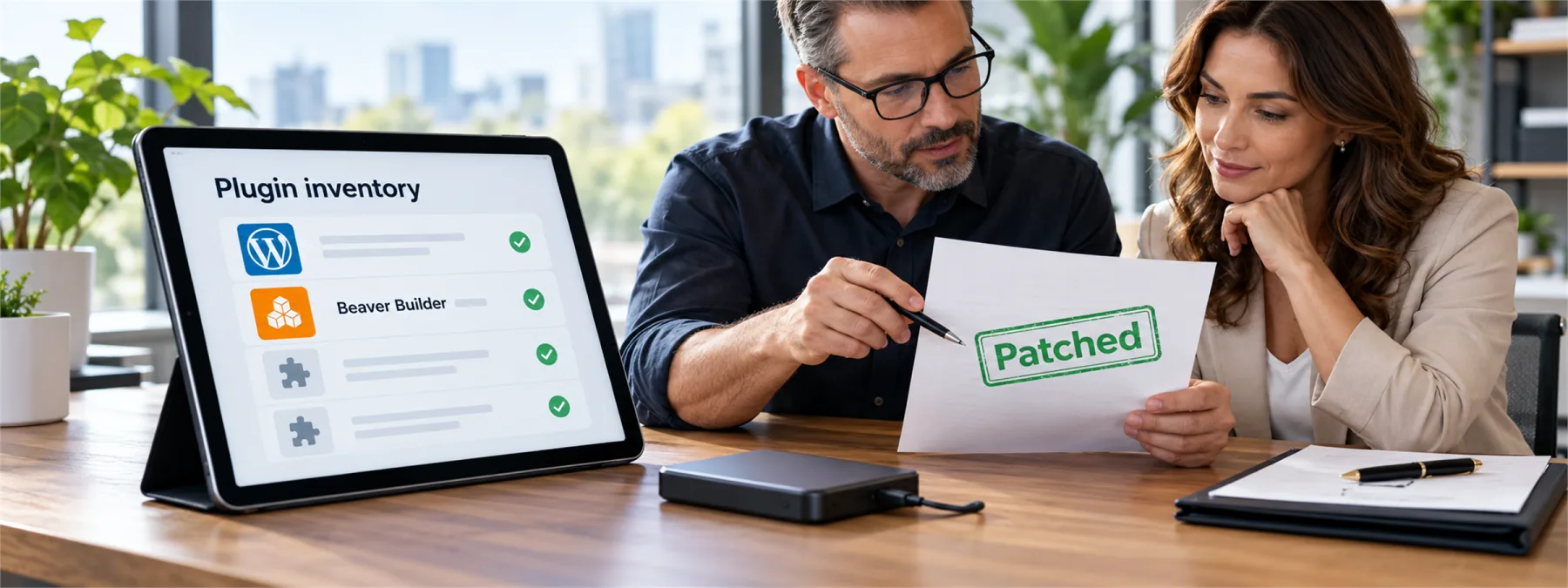
Wordfence updated its record for CVE-2026-92084 on October 3, 2026, covering a vulnerability in the Beaver Builder Page Builder WordPress plugin. The record says versions up to and including 2.11.0.5 can allow unauthenticated arbitrary shortcode execution in a specific Sidebar module and widget-output scenario, and lists version 2.11.0.6 as the patched release.
For many businesses, that sounds like a web developer problem. In practice, it is also an ownership problem. A public WordPress site may be maintained by a hosting provider, a marketing agency, an MSP, an employee, or some combination of all four. When a plugin advisory appears, the important business question is not only whether a patch exists. It is whether anyone can prove your site needed it, received it, and was checked afterward.
The Risk Is Really About Ownership
Beaver Builder is the kind of tool that can sit quietly inside a website for years. Owners may approve a redesign, pay a monthly hosting bill, and assume that plugin care is included somewhere in the arrangement. That assumption can get thin when a vulnerability record names affected versions, conditions for exploitation, and a specific patched release.
This does not mean every site using Beaver Builder was compromised. The Wordfence description includes conditions that must be present, and the right response is verification rather than panic. But a public website is still part of the business technology footprint. If customers, patients, donors, students, or prospects interact with it, the patch process deserves the same accountability as email, backups, or access control.
What Owners Should Ask
A useful response starts with simple evidence. Business owners and office leaders do not need to debug the plugin. They do need a clear answer from whoever maintains the site.
- Is Beaver Builder installed? Ask for the plugin name, version, and whether it is active on the production site.
- Was the site updated to 2.11.0.6 or later? Ask for the timestamp, not just a verbal confirmation.
- Was there a backup before the update? A patch is easier to approve when rollback is planned.
- Were comments, admin users, and recent page changes reviewed? Follow-up checks help separate patching from actual exposure review.
- Who owns future plugin alerts? The answer should name a person or provider, not a vague process.
Where Vendor Accountability Fits
Website maintenance contracts often say updates are included, but the details matter. Some providers update WordPress core only. Some update plugins only during scheduled maintenance. Some exclude premium plugins, staging sites, or custom modules. Others patch quickly but never send evidence unless asked.
That gap is why plugin inventory belongs in the owner conversation. A New Jersey business does not need a dramatic incident to review who is responsible for public-site patching. A vulnerability like CVE-2026-92084 is enough reason to ask for a current plugin list, maintenance scope, backup policy, and proof that high-priority updates are not waiting for the next redesign.
A Practical Next Step
Send one short request to the person or company responsible for the website: confirm whether Beaver Builder is installed, confirm the current version, confirm whether the October advisory applied, and provide patch evidence if it did. If the site is managed by multiple parties, ask them to identify who has final responsibility for plugin updates and post-update checks.
The point is not to turn every owner into a WordPress administrator. The point is to make sure the website has an accountable maintenance owner before the next plugin advisory lands on the page.
Sources and further reading


