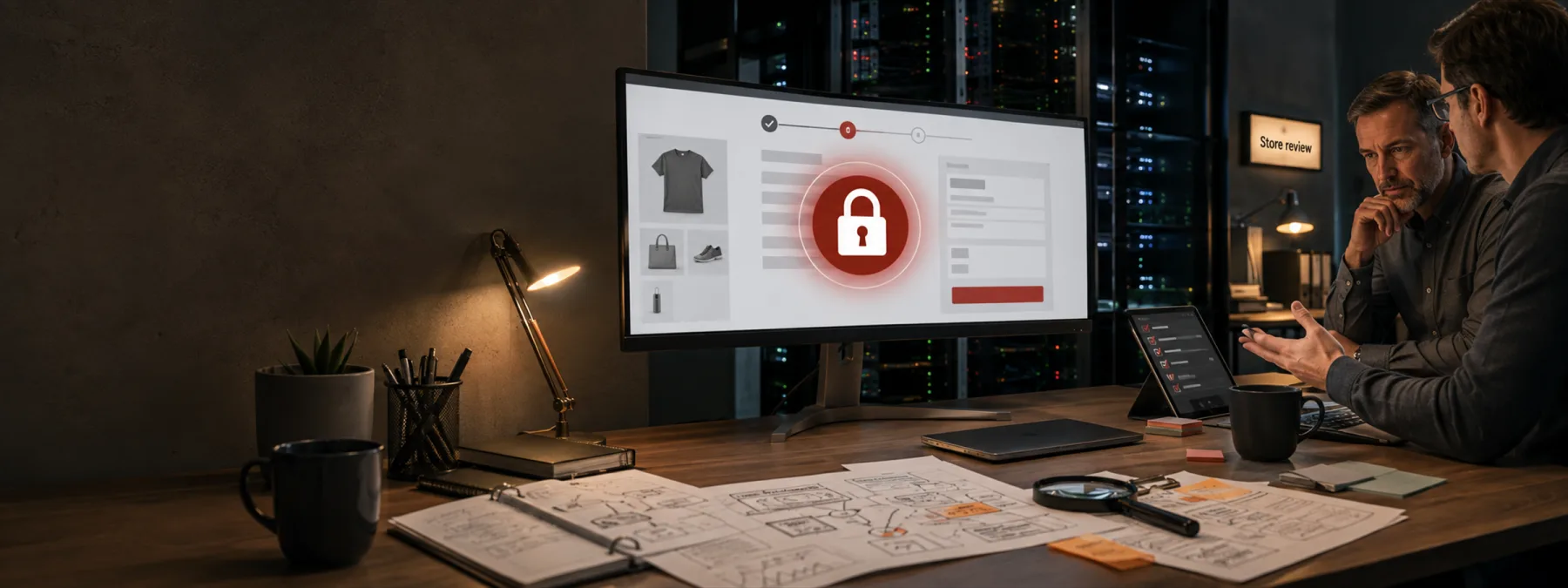
Sansec updated its StyleSmuggler research on September 7 after finding active attacks against Magento Open Source and Adobe Commerce stores. The security firm says the unpatched issue can allow unauthenticated remote code execution and has been used to place backdoors on ecommerce servers.
That is a technical sentence with a very practical business meaning. If your company takes orders, donations, deposits, memberships, appointment requests, or customer uploads through an online store, the website is not just a marketing asset. It is part of the business operation. A live Adobe Commerce zero-day turns store security into an ownership question: who knows whether the business is exposed, who can apply temporary protections, and who will prove the store was checked for compromise?
The Store May Not Be Only One Store
Many owners know the public storefront but not the full ecommerce footprint behind it. There may be a production site, a staging copy, a disaster-recovery instance, a test domain, an old catalog, or a development environment maintained by an agency. Sansec said it reproduced the StyleSmuggler chain on current Magento Open Source versions including 2.4.7, 2.4.8, and 2.4.9, and SecurityWeek reported on September 7 that Adobe's next scheduled security release was expected on September 8, with uncertainty about whether this specific issue would be addressed.
That uncertainty is the point for business leaders. Waiting for a normal patch rhythm may be reasonable for routine maintenance. It is less comfortable when a researcher is publishing emergency indicators because stores are being compromised now. The owner does not need to read PHP payloads or process lists. The owner does need a named person or vendor who is responsible for the answer.
The Business Decision Behind The Zero-Day
The decision is not simply whether to update Adobe Commerce. The immediate decision is whether the business has enough evidence to keep accepting transactions normally while the issue is active and before official patch status is clear.
That decision depends on several business facts: whether Magento or Adobe Commerce is in use, whether the affected systems are internet-facing, whether a mitigation is available, whether logs and server processes were reviewed, whether any unexpected files appeared under media or cache paths, and whether payment, customer, or order workflows require additional review. A web vendor saying that they are aware of the issue is not the same thing as confirming that your store has been checked.
Questions For The Web Vendor Or IT Team
- Do we run Magento Open Source or Adobe Commerce anywhere? Include production, staging, development, archived, and disaster-recovery environments.
- Who owns the emergency response? Identify whether responsibility sits with the web agency, hosting provider, MSP, internal developer, ecommerce team, or a combination of them.
- What mitigation is active right now? Ask whether temporary controls were applied while waiting for Adobe's official fix, and what business impact those controls may have.
- What compromise checks were performed? Ask for evidence that logs, server processes, scheduled tasks, suspicious PHP files, and unexpected admin activity were reviewed against current indicators.
- What is the patch approval path? Once Adobe publishes a relevant update, someone should already know who approves testing, downtime, deployment, and rollback.
- What customer or order data could be affected if a backdoor existed? This does not mean assuming a breach. It means understanding what the exposure would touch if evidence appears.
What A Useful Answer Looks Like
A useful vendor answer is short, specific, and dated. It should say whether the platform is present, which environments were checked, which versions are running, what temporary controls are in place, what indicators were reviewed, what was found, and when the next patch decision will happen. If the answer is only that the vendor is monitoring the situation, ask for the actual checklist.
This is especially important for New Jersey retailers, distributors, nonprofits, schools, practices, and professional firms that use online payments or customer portals but outsource nearly all web operations. Outsourcing the work does not outsource the business impact. Contracts, support retainers, and hosting plans should make emergency security ownership clear before the next zero-day arrives at the checkout lane.
The Practical Next Step
If your organization has any ecommerce site, send a concise request today: confirm whether Magento or Adobe Commerce is in use, list every related environment, document the current mitigation, check for StyleSmuggler indicators, and define who will approve the official Adobe patch when available.
Store security does not need drama to deserve attention. It needs ownership, evidence, and a patch path that does not depend on someone remembering an old staging site after customers have already started asking questions.
Sources and further reading


