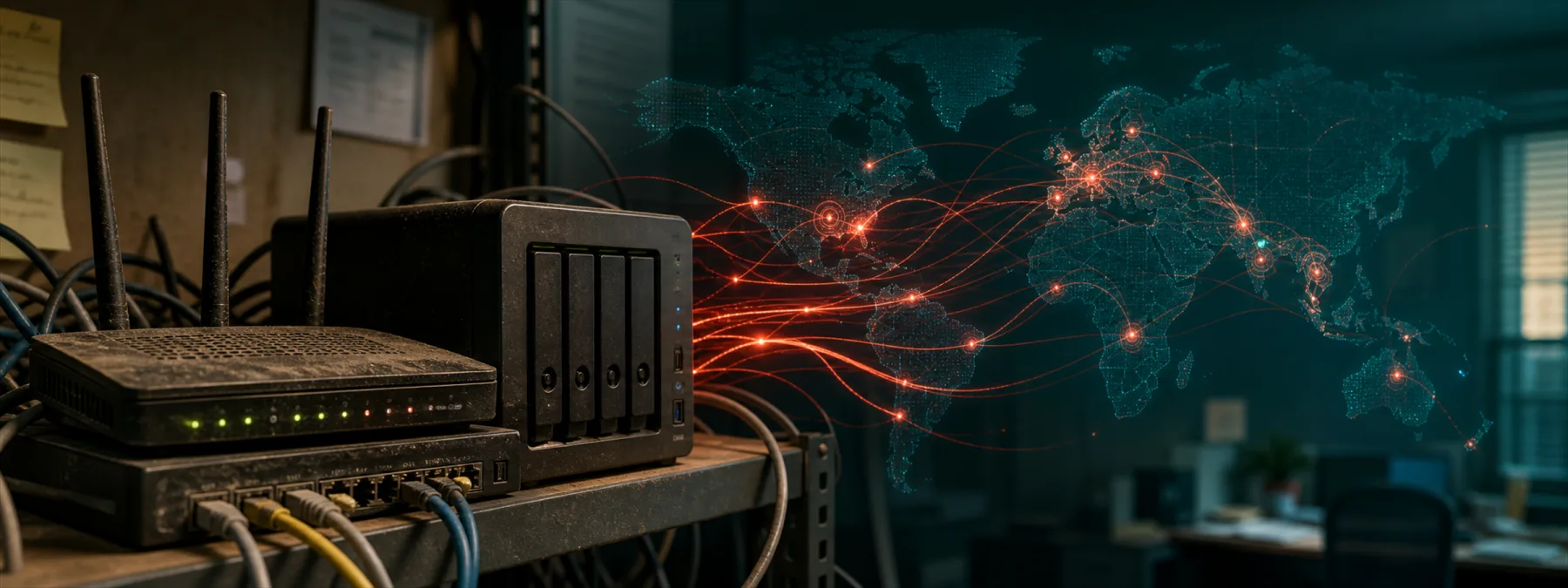
BleepingComputer reported on June 21, 2026 that a newly documented botnet called AryStinger has compromised more than 4,000 outdated routers, mainly D-Link models, and can use them as attacker-controlled proxies. The report is based on research from QiAnXin XLab, which found the malware using older router vulnerabilities and a newer NAS vulnerability to support scanning, tunneling, command execution, DNS tampering, and traffic monitoring.
For a business owner, the important point is not whether every office has one of the exact affected models. The bigger issue is that old network devices often stay plugged in long after anyone remembers who owns them, who updates them, or whether they still belong on the network.
The Business Risk Is Ownership, Not Just Malware
Routers, small gateways, remote-work devices, and NAS appliances can sit in a gray area between office equipment and managed IT. They may have been bought for a temporary need, installed by a vendor, reused from an old office, or added by a well-meaning employee. If they are not in the managed asset list, they may also be outside the firmware schedule, monitoring plan, and replacement budget.
AryStinger is a useful warning because the compromised devices are not only being used for noisy attacks. XLab described capabilities that could support reconnaissance, proxying, internal scanning, persistent remote access, and DNS manipulation. That makes an old gateway more than a dusty box with blinking lights. It can become a quiet platform for someone else's work.
What Owners Should Ask
This is where the business decision becomes practical. The right question is not simply, Are we affected by AryStinger? It is whether the organization can answer that question without a scavenger hunt.
- Do we have a current list of routers, firewalls, Wi-Fi gateways, remote-work routers, and NAS devices?
- Which of those devices are still supported by the vendor?
- Who is responsible for firmware updates, remote-management settings, and DNS configuration?
- Are any small network devices exposed to the internet or reachable from guest networks?
- Do logs or DNS settings show signs of unusual changes?
- Which devices should be replaced instead of patched again?
Those questions are not only for large companies. A medical office, school office, nonprofit, manufacturer, or professional-services firm may have a small network, but it can still have old edge devices that nobody has reviewed since the last move, phone-system change, camera install, or remote-work scramble.
The Next Step Is a Device Review
The practical next step is a focused network-device review. Ask your IT provider or internal team for a short inventory of edge devices and small appliances, including model, firmware version, support status, remote access settings, and replacement recommendation. If the answer is vague, ask for evidence rather than reassurance.
Not every old device is an emergency. Some may be fully patched, isolated, or scheduled for replacement. Others may be end-of-life, undocumented, or exposed in ways the owner did not approve. The business decision is whether those devices are managed assets or inherited risk.
A responsible review should end with a simple outcome: keep and monitor, update and document, isolate, or replace. That is much easier to approve than a vague request to improve security, and it gives the business a clearer record of who owns the network's front door.
Sources and further reading


