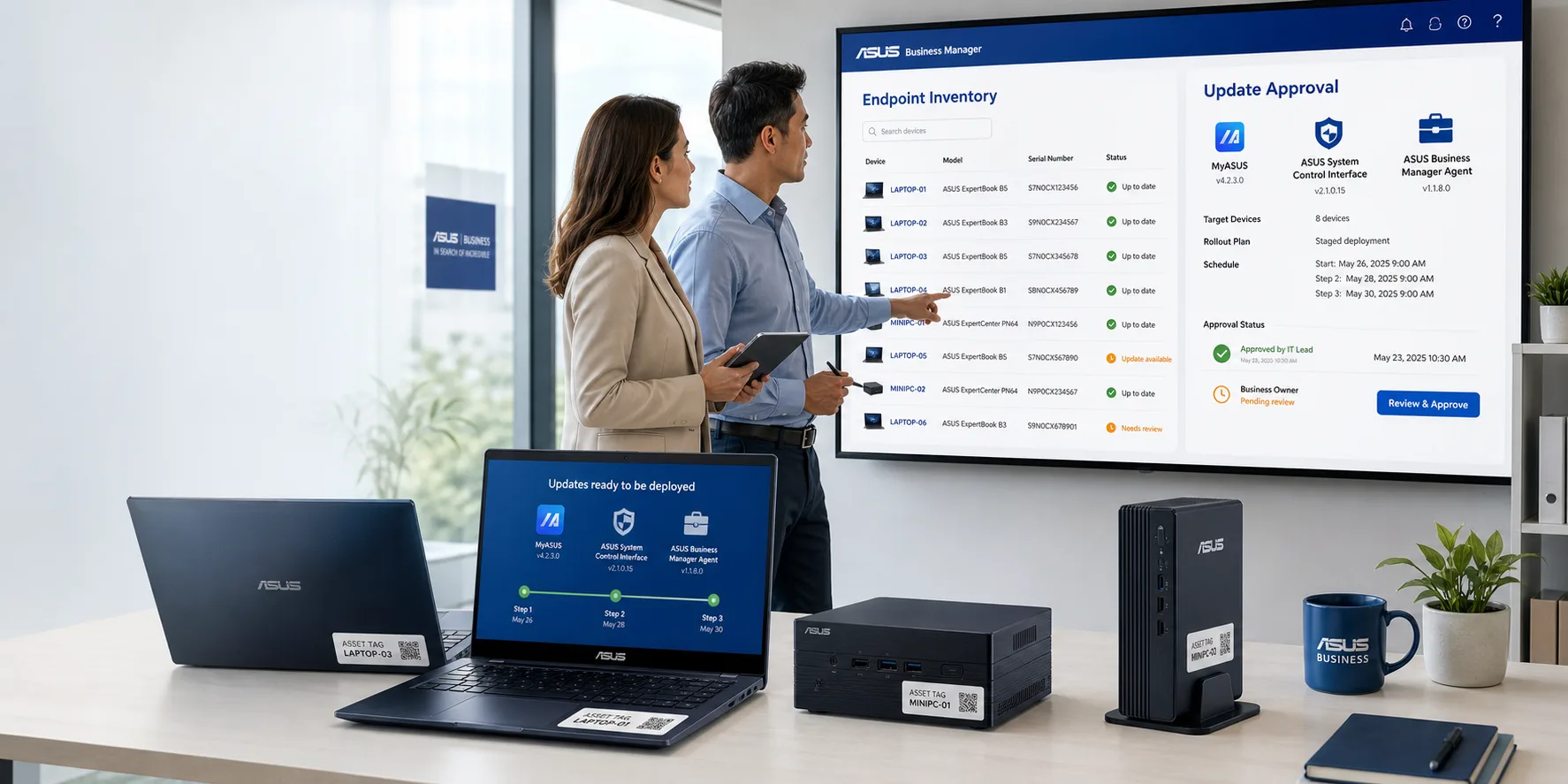
ASUS published a July 15 security bulletin for ASUS System Control Interface, the service used by MyASUS, and ASUS Business Manager. The update applies to ASUS System Control Interface v3 earlier than 3.1.66.0, ASUS System Control Interface earlier than 1.1.40.0, and ASUS Business Manager earlier than 3.0.38.0.
The advisory describes improper access-control issues in driver components. ASUS says the issues could allow a local administrator to bypass intended security restrictions, potentially affecting system integrity. That is not the same as a remote internet attack, but it is still a useful business signal: software that ships with laptops and desktops can become part of the security picture even when nobody thinks of it as a managed application.
The quiet software on business PCs still counts
Many organizations track Windows updates, antivirus status, and a short list of major business applications. OEM utilities often sit outside that routine. They may handle hardware settings, firmware helpers, battery management, device support, or vendor update channels. When those utilities include drivers or privileged services, they deserve the same ownership question as any other endpoint component.
For a New Jersey office, school, nonprofit, or professional services firm with a mixed fleet, the ASUS System Control Interface update is less about panic and more about proof. If the business uses ASUS laptops, desktops, NUCs, or all-in-one PCs, someone should be able to say which devices have the affected component, which version is installed, and whether the update reached them through MyASUS, Windows Update, or ASUS Support.
The business decision is inventory, not alarm
The practical decision is whether endpoint management covers vendor utilities well enough. If your IT provider says devices are patched, that answer should include more than the operating system. It should cover firmware, OEM apps, management agents, browser updates, remote access tools, and other software with privileged access to the machine.
This is especially important for businesses that buy PCs over time from multiple sources. A fleet may include Dell, HP, Lenovo, ASUS, and other devices, each with its own support utilities and update paths. Without inventory, the business may not know which vendor channels are active, which ones are disabled, and which machines depend on users clicking update prompts.
Questions to ask your IT provider
- Do we have ASUS devices in our current endpoint inventory? Ask for model counts, serial numbers where appropriate, and the business locations or users tied to those devices.
- Which versions of ASUS System Control Interface, MyASUS, and ASUS Business Manager are installed? The answer should be based on device data, not a general assumption that updates are automatic.
- Which update path applies? ASUS says System Control Interface updates can come through MyASUS, ASUS Support, or Windows Update, while Business Manager updates can come through MyASUS or ASUS Support.
- How will completion be verified? Ask for a report showing updated versions, failed devices, offline devices, and devices that require manual attention.
- Are OEM utilities included in normal patch reviews? If not, decide whether they should be added to quarterly endpoint review or procurement standards.
A practical next step
Do a targeted ASUS endpoint review before turning this into a broad project. Start with a list of ASUS machines, confirm whether the affected utilities are present, check installed versions, and document the update channel for each device group. If no ASUS devices are in use, record that finding and move on.
The larger lesson is portable. Business laptop security is not only Windows Update and antivirus. It also depends on the smaller vendor tools that arrive with the hardware and quietly keep running. Those tools do not need to dominate the agenda, but they should not be invisible either.
Sources and further reading


