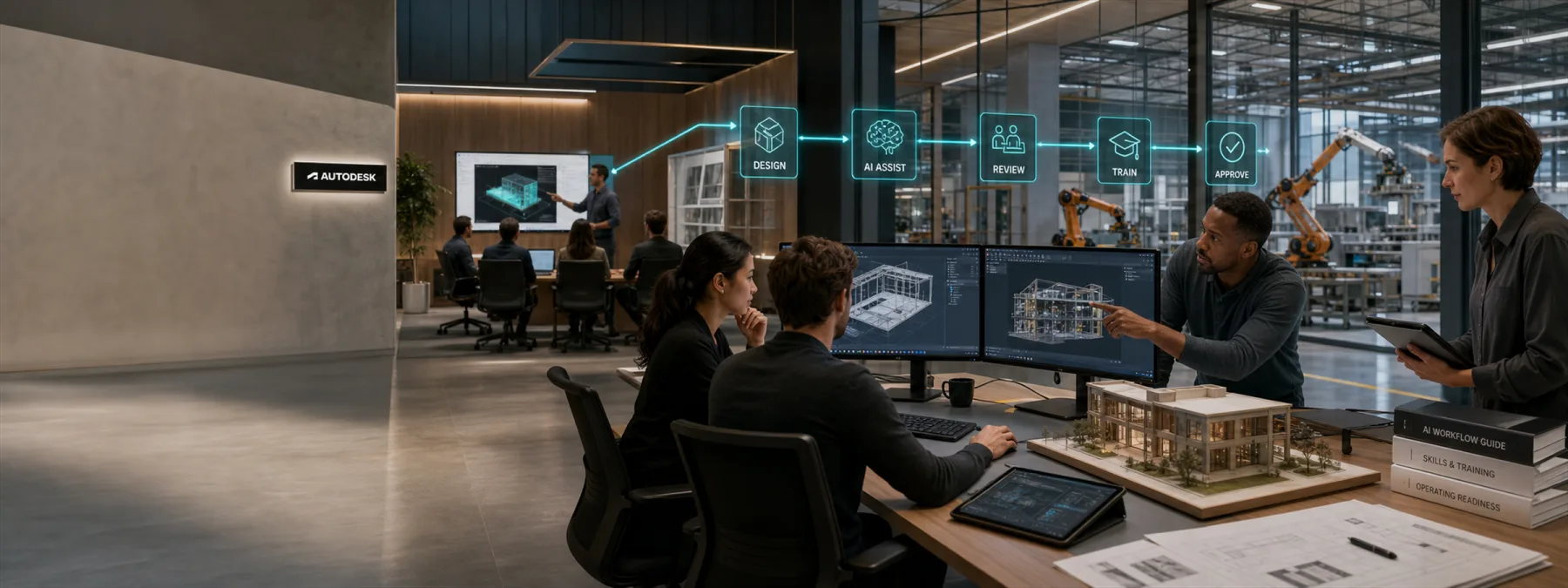
Autodesk announced on June 22, 2026 that it will commit $350 million over three years to expand access, training, and certifications for AI-powered design-and-make work. The company said the effort will support students, educators, professionals, and job seekers across fields such as architecture, engineering, construction, product design, manufacturing, media, and skilled trades.
For business owners, the headline is not only that another major software vendor is pushing deeper into AI. It is that AI is moving into the practical work of designing, building, manufacturing, documenting, estimating, and delivering real projects. That makes training part of the approval conversation, not a nice extra after the software invoice is signed.
The Business Decision Behind The Tool
Many smaller organizations treat AI features as a software setting: turn it on, let a few people experiment, and see what happens. That may work for low-risk personal productivity. It is weaker when AI is tied to drawings, models, client deliverables, construction documents, product designs, or manufacturing workflows.
If a tool changes how work is produced, reviewed, or handed off, the owner needs more than a license count. The business needs to know who is trained, which roles may use the feature, what data can be entered, who reviews the output, and how the company will prove that the new workflow helped instead of just adding another subscription line.
Same-day reporting from CIO Dive adds a useful second checkpoint: AI spending often disappoints when the surrounding operating model is not ready. Legacy systems, fragmented data, siloed teams, and slow governance can leave a business with impressive tools sitting on top of workflows that still cannot support the promised improvement.
Autodesk's announcement points to a broader reality for New Jersey manufacturers, construction firms, design shops, schools, and professional services firms: AI fluency is becoming part of operational readiness. The shop floor, project trailer, classroom, and design desk are all starting to meet the same question: who is actually prepared to use these tools responsibly?
Questions To Ask Before Approving The Rollout
Before approving AI-enabled design, CAD, construction, manufacturing, or creative software, owners should ask the provider, internal team, or MSP a few practical questions:
- Which job roles will use the AI features? A designer, estimator, project manager, teacher, student, and machine operator may need different rules and training.
- What training is required before access is granted? Tool access without role-specific training can create inconsistent work and avoidable rework.
- Are certifications or vendor learning paths relevant? A credential is not magic, but it can give managers a cleaner way to document readiness.
- What data is allowed inside the tool? Client files, student work, regulated data, proprietary drawings, and vendor documents may require different handling.
- Which workflow or data cleanup has to happen first? AI can speed up a task, but it will not fix broken handoffs, stale records, or unclear ownership by itself.
- Who reviews AI-assisted output? AI can speed up parts of the process, but accountability should still land with a qualified human reviewer.
- How will success be measured? Faster drafts, fewer corrections, cleaner handoffs, better estimates, or reduced training time are better measures than general excitement.
Do Not Let Training Become An Afterthought
The easiest mistake is to approve a new tool because the demo looks impressive, then leave each department to figure out its own habits. That creates a quiet gap between what the vendor says the tool can do and what the business can safely rely on.
A better next step is to pair any AI software approval with a short adoption plan. Identify the first workflow, the first user group, the training requirement, the review process, and the data rules. Then decide what evidence would justify expanding the rollout.
This does not need to become a giant committee project. It does need ownership. AI tools are becoming part of real production work, and real production work deserves more than a login and crossed fingers.
Sources and further reading


