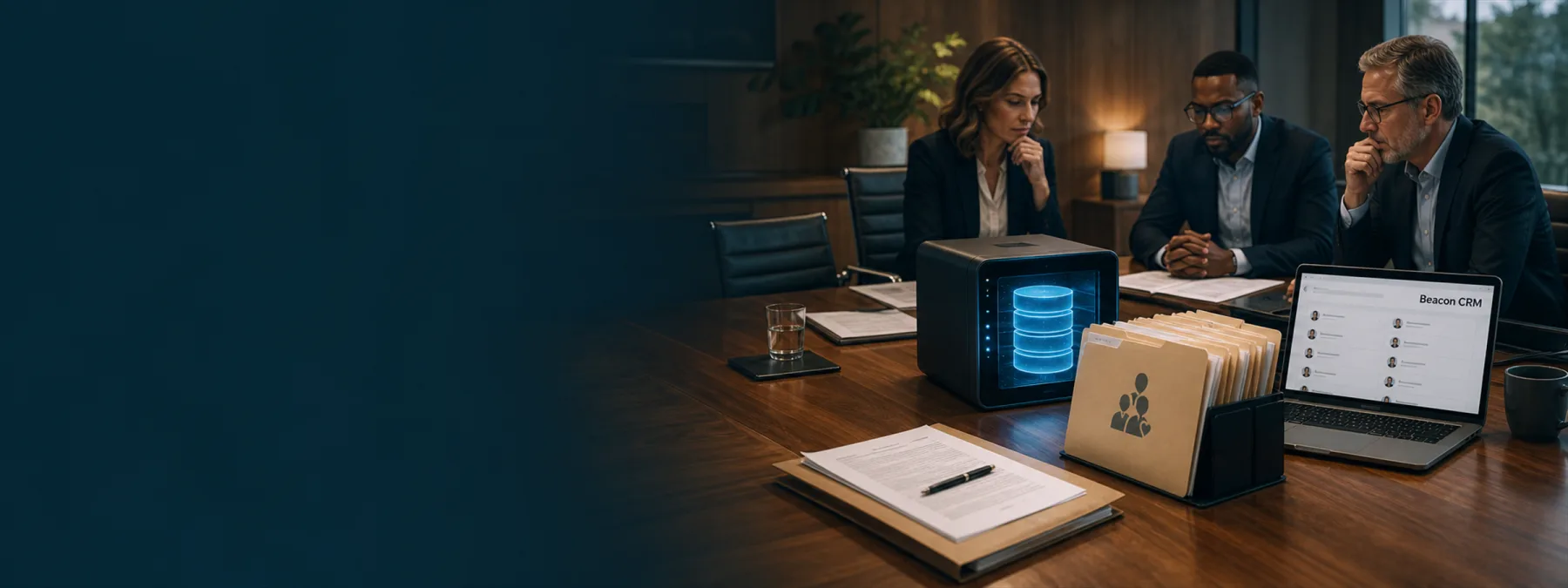
BankInfoSecurity reported on August 6, 2026 that Beacon CRM, a customer relationship management platform used by charities, suffered a cyber incident that likely involved copied database backups. Public statements from affected charities say Beacon became aware of a possible incident on July 29, informed customers on August 3, and currently understands that compromised credentials were used to access Beacon and make copies of database backups.
That may sound like a charity-sector story from overseas, but the business lesson travels well. Many New Jersey nonprofits, schools, healthcare foundations, associations, and local organizations use hosted CRM systems to manage donors, supporters, volunteers, clients, event attendees, and mailing lists. When that relationship database lives with a vendor, the organization still owns the accountability questions.
The Real Risk Is Often in the Backup
A CRM breach is not only about the live application. Database backups can contain old fields, inactive records, exports, notes, attachments, and contact details that staff no longer think about. If those backups are copied, leaders may need to understand more than whether the main login screen is working again.
The practical question is simple: if your CRM vendor had to notify you tomorrow, could you quickly identify what categories of people and data might be involved? For a nonprofit, that might include donors, volunteers, beneficiaries, service users, board members, grant contacts, and event registrants. For a professional office or school, the same issue can apply to prospects, families, referral partners, alumni, patients, or clients.
What Owners Should Ask Their CRM Vendor
A good vendor review should go beyond a security badge on the website. The Beacon CRM data breach is a useful prompt to ask for clear answers before a crisis, not during one.
- What data is stored in production, backups, exports, notes, and attachments?
- Who can access backups, and are those actions logged and reviewed?
- Is MFA required for administrators, support accounts, and vendor staff?
- How quickly will the vendor notify customers after suspected unauthorized access?
- Can the vendor provide an export showing affected records and data types?
- What contract language covers incident notice, regulator support, forensics, and customer communications?
Those questions are not just for large nonprofits. Smaller organizations often keep more sensitive context in a CRM because it is convenient: donation history, personal notes, committee roles, family details, event attendance, or support preferences. Convenience can become exposure when nobody reviews what belongs in the system and what should be removed.
The Decision Is About Data Discipline
Business leaders do not need to become database engineers. They do need a clear owner for CRM data discipline. Someone should know which fields are necessary, which integrations are connected, which staff have admin rights, and how long records stay in the system after they stop being useful.
For organizations with a board or executive director, this belongs in the same conversation as cyber insurance, donor trust, privacy notices, and vendor renewal. Before renewing a CRM contract or adding another integration, ask whether the vendor can explain backup security, credential controls, data retention, and breach support in plain language.
A Practical Next Step
Start with a short CRM inventory. List the platform, administrators, connected tools, stored data categories, backup and export options, MFA requirements, and the internal person responsible for vendor communication. Then review whether sensitive notes, old attachments, and stale records still need to be there.
If the answer is unclear, pause before adding more data. A nonprofit CRM, donor database, or customer relationship system should make relationships easier to manage. It should not quietly become the place where years of unreviewed personal data go to wait for a bad day.
Sources and further reading


