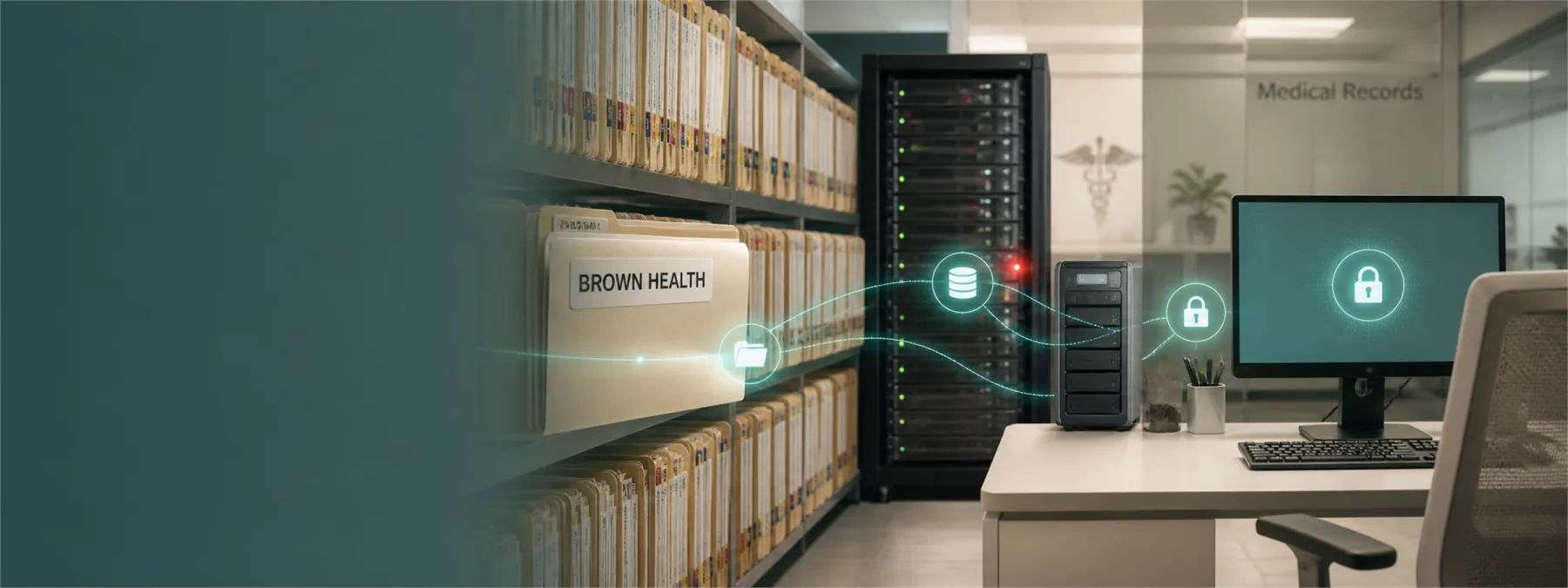
SecurityWeek reported on August 5, 2026 that Lifespan Physician Group of Massachusetts, doing business as Brown Health Medical Group-MA, is notifying more than 311,000 people after attackers stole files from a historic server at its Hawthorn location. The organization said its electronic health record system was not affected, but the files may have included personal, medical, financial, personnel, payroll, compensation, and credentialing information.
For healthcare practices and other businesses that handle sensitive records, that distinction matters. It is good news when the current electronic health record system is not affected. It is not the end of the review. Old file servers, exports, scanned documents, shared drives, billing archives, HR folders, and project handoff folders can carry the same regulatory and business risk as the primary application everyone uses today.
Old Data Can Stay Business-Critical
The Brown Health Medical Group data breach points to a familiar operational problem: systems age out of daily use faster than the data inside them ages out of risk. A practice may replace an application, move to a new billing system, consolidate locations, change vendors, or migrate to the cloud while leaving older storage online for convenience, lookup, or uncertainty about retention rules.
That old storage can still contain protected health information, Social Security numbers, driver license numbers, financial account details, payment card data, employee records, and credentialing files. The business may think of it as an archive. An attacker does not. If the server is reachable, weakly monitored, or poorly documented, it is still part of the active risk surface.
This is especially relevant for medical practices, dental groups, behavioral health providers, school offices, nonprofits, and professional firms in New Jersey that have grown through years of software changes. The system of record may be modern, but the sensitive data map may still include file shares created years ago for reports, imports, scans, claims, referrals, and one-time projects.
The Decision Is Data Ownership
The owner-level decision is not only whether to buy another security tool. It is whether the organization can answer who owns legacy data, why it is still retained, where it lives, how it is protected, and when it can be deleted or moved to a better-controlled archive.
That requires business judgment as much as technical cleanup. Some records have legal, clinical, employment, tax, or insurance retention requirements. Some are needed for operations. Some are duplicates that nobody wants to delete because nobody is sure who has authority. That uncertainty is where old servers become long-term exposure.
A useful data retention review separates records into clear buckets: keep and protect, migrate and restrict, delete after approval, or investigate before deciding. The point is not to purge data casually. The point is to stop treating unknown storage as harmless simply because it is old.
What Owners Can Ask
Business leaders do not need to personally inspect every folder. They do need to require clear answers from the people who manage technology, compliance, records, and vendors.
- Inventory: Which legacy servers, shared drives, cloud folders, exports, and backup locations still contain sensitive data?
- Data types: Do any older locations contain PHI, Social Security numbers, payment card data, financial account details, HR records, or credentialing files?
- Access: Who can open those locations today, and does that access still match current job duties?
- Monitoring: Are old servers included in endpoint protection, vulnerability management, logging, backup checks, and alert review?
- Retention: Which records must be kept, which can be deleted, and who signs off on that decision?
- Vendor proof: If an MSP, EHR vendor, billing vendor, or consultant says a legacy system is safe, what written evidence supports that answer?
- Incident response: If old storage is exposed, can the organization quickly identify affected records and notify the right parties?
Those questions are reasonable for small and midsize organizations. They turn a vague comfort statement into a documented review.
A Practical Next Step
Ask for a legacy data inventory before the next software renewal, server replacement, or compliance review. Start with the locations most likely to hold sensitive records: old file servers, accounting exports, HR folders, scanned patient documents, referral files, billing handoffs, retired application directories, and backup repositories.
The output should be simple enough for leadership to read: location, owner, data type, business reason, access group, protection status, retention decision, and unresolved questions. If a location has no owner and no clear reason to exist, that is not just technical clutter. It is a decision waiting to be made.
The lesson from the Brown Health breach is not that every old server will become a headline. It is that old data remains business data until someone proves otherwise. When sensitive records stay in circulation after systems change, the review cannot stop at the application everyone recognizes.
Sources and further reading


