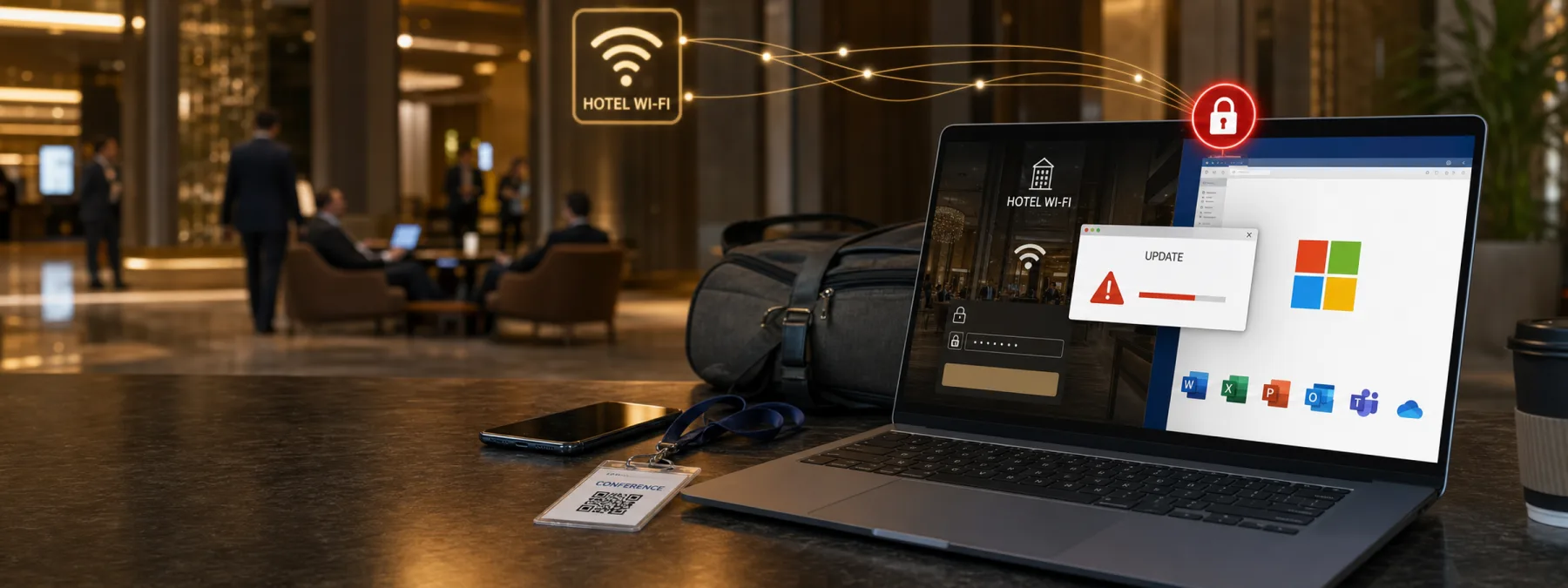
Hotel Wi-Fi has always been a convenience with a few strings attached. A same-day report from The Hacker News, based on Microsoft Threat Intelligence findings, describes a sharper version of that risk: compromised hotel and conference Wi-Fi portals redirecting travelers toward fake update prompts, credential theft, and malware delivery.
Microsoft calls the campaign CaptiveCrunch and says the activity involves Storm-2945, which it assesses as a sub-cluster of Midnight Blizzard. The important business point is not the name of the threat group. It is the setting. The attack starts in a place many employees trust just enough to check email, open a file, approve a sign-in prompt, or finish work after a flight.
The Trust Problem Starts Before The Login
Most security training tells people not to click suspicious links. That advice still matters, but it does not fully cover this scenario. Microsoft says the campaign manipulates traffic from hospitality captive portals, including DNS and HTTP flows, so a traveler can be pushed toward attacker-controlled infrastructure while using what appears to be the normal guest network.
From there, the risk can move beyond a fake web page. The reporting describes fake browser or operating-system update prompts, Microsoft Entra device-code and OAuth abuse, Microsoft 365 data collection, and malware that can collect credentials, session tokens, files, keystrokes, screenshots, and other device information. For an owner, that turns a travel habit into an access-control question.
The Owner Decision Is Not Whether Travel Stops
Most businesses cannot tell sales staff, executives, consultants, technicians, or managers to stop traveling. The practical decision is how much company access a device should have when it is working from a hotel, conference center, airport lounge, or other shared network.
That decision belongs with ownership and management, not only with IT. If employees can reach Microsoft 365, finance systems, customer records, internal chat, cloud storage, or remote desktops while traveling, then the business needs a clear travel-access standard. Otherwise, each employee is left to make security decisions while tired, rushed, and staring at a captive portal that looks official enough.
Questions To Ask Your IT Provider
- Do we require managed devices for business travel? Personal laptops and unmanaged tablets can make token theft and fake update prompts harder to contain.
- Are Microsoft 365 sign-ins protected by conditional access? Review whether location, device compliance, risky sign-in signals, and session controls are actually enforced.
- Do employees know how software updates are supposed to happen? A fake browser update should be easy to reject because official updates come through managed channels, not hotel pop-ups.
- Can we revoke sessions quickly after a suspicious travel incident? Token theft is different from password theft. The response plan should include session revocation, device isolation, and account review.
- What is the approved network path on the road? Some businesses may prefer cellular hotspots, always-on VPN, restricted access from guest networks, or extra checks for high-risk roles.
A Practical Next Step
Ask for a short business travel cybersecurity review, not a giant new security project. Start with the people who travel most often and the systems they access from hotels and conferences. Then review Microsoft 365 sign-in policy, endpoint protection, VPN behavior, update controls, and the process for reporting suspicious captive portals or fake update screens.
The goal is not to make travel impossible. The goal is to remove the guesswork. A New Jersey business owner should be able to say, in plain language, which devices may be used on the road, how employees should connect, what they should never approve from a guest network, and who gets called when something looks off. Hotel Wi-Fi may be convenient, but convenience should not be the policy.
Sources and further reading


