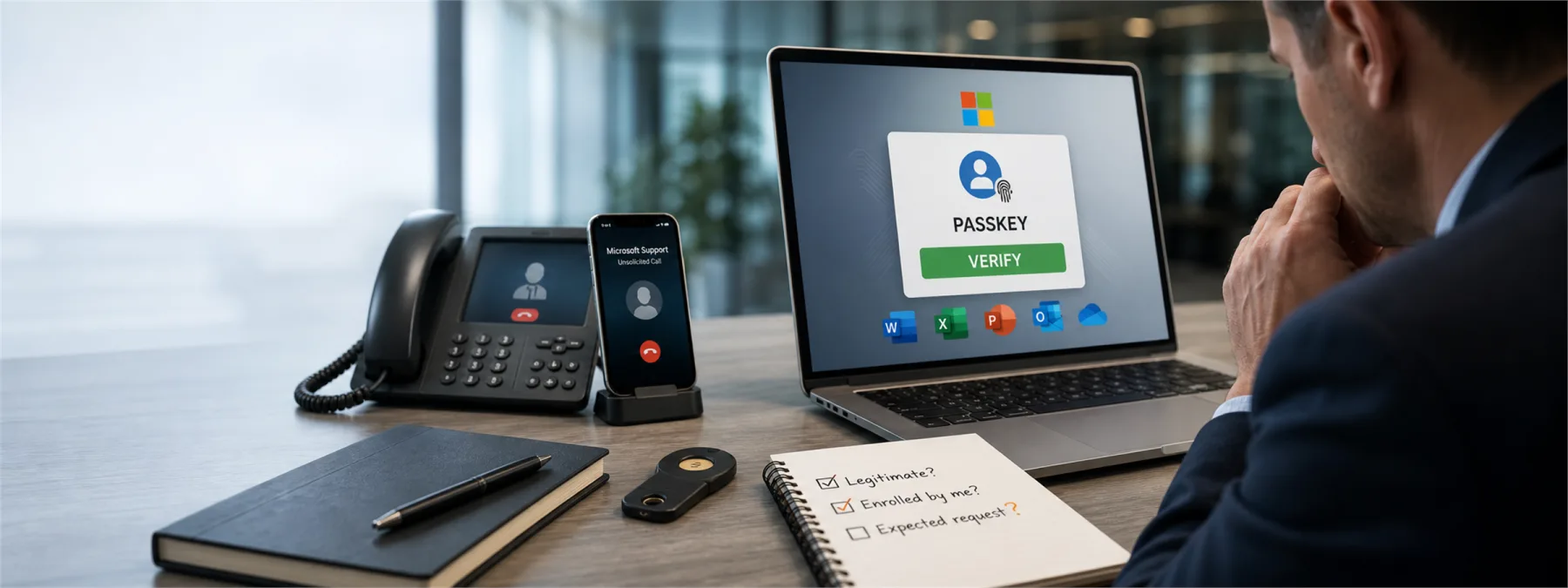
A new Microsoft 365 account-takeover campaign is using a familiar trick with a modern wrapper: attackers call employees, pose as IT support, and tell them it is time to enroll a Microsoft Entra passkey. According to same-day reporting from Help Net Security, the campaign directs users to phishing pages that imitate Microsoft passkey enrollment while the attacker collects credentials and multi-factor authentication responses.
The problem is not that passkeys are bad. Passkeys can reduce password risk when they are deployed correctly. The problem is that many employees do not know what a real passkey enrollment process should look like, who is allowed to initiate it, or how to verify a support call before following instructions. That gap turns a security upgrade into a trust exercise.
The business risk is the enrollment process
BleepingComputer reported that the activity has targeted organizations across several industries, including technology, healthcare, construction, automotive, aviation, and food and beverage. Those are exactly the types of environments where Microsoft 365 often holds email, SharePoint files, Teams messages, contracts, invoices, HR records, and customer documents.
In this campaign, the attacker is not just asking for a password. The attacker is walking the user through a fake Microsoft Entra passkey setup so the attacker can register a passkey they control. If that succeeds, the account can become a doorway into cloud files and internal communications. The passkey becomes the key; the phone call is how the key gets handed over.
For business owners, the practical question is not whether passkeys are worth using. The better question is whether the company has a controlled rollout plan that employees can recognize and verify. A strong authentication method still needs a strong operating process around it.
What owners should ask before approving a rollout
Before approving a Microsoft 365 passkey project, owners and managers should ask how the enrollment process will be announced, who will contact users, and what employees should do if someone calls unexpectedly. The answer should be specific enough that a receptionist, office manager, clinician, estimator, or bookkeeper can follow it under pressure.
- Who is authorized to ask users to change authentication methods? Name the internal role, MSP contact, or help desk channel.
- How will employees verify a real support request? Use a known phone number, ticket portal, Teams channel, or manager-confirmed process instead of trusting caller ID.
- Will IT ever ask users to visit a passkey-related domain sent during a phone call? If the answer is no, say that plainly before rollout starts.
- Who reviews new passkey registrations in Microsoft Entra audit logs? Authentication changes should be visible, assigned, and reviewed.
- What happens when a user reports a suspicious enrollment request? The response should include account review, token revocation where appropriate, and a check for SharePoint, OneDrive, and mailbox activity.
Passkeys need a support script
A useful passkey rollout should include a simple support script. It should tell employees what the legitimate process looks like, what the company will never ask for, and where to verify a request. That script does not need to be dramatic. It needs to be boring, consistent, and repeated before the first enrollment wave begins.
One especially important detail from the reported campaign is that fake recovery phrases may appear during the phishing flow. Employees do not need to understand every technical detail of BIP-39 seed phrases to make the right decision. They only need to know that Microsoft Entra passkey enrollment should not involve saving a wallet-style recovery phrase from a support caller's website.
This is where a small amount of pre-work pays off. If employees hear about passkeys for the first time from a stranger on the phone, the attacker owns the script. If they have already seen the approved process, the company has a better chance of breaking the call before the account is compromised.
A practical next step
Businesses using Microsoft 365 should review whether passkeys are enabled, whether registration campaigns are active, and who receives alerts or audit reports for new authentication methods. If an MSP or outside provider manages Microsoft 365, ask for a short written summary of the current settings and the user-verification process.
For New Jersey businesses, the decision is straightforward: do not treat authentication as only a technical setting. Treat it as a business process that includes approval, communication, support verification, and evidence. Passkeys can strengthen security, but only if the person enrolling one knows whose voice to trust.
Sources and further reading


