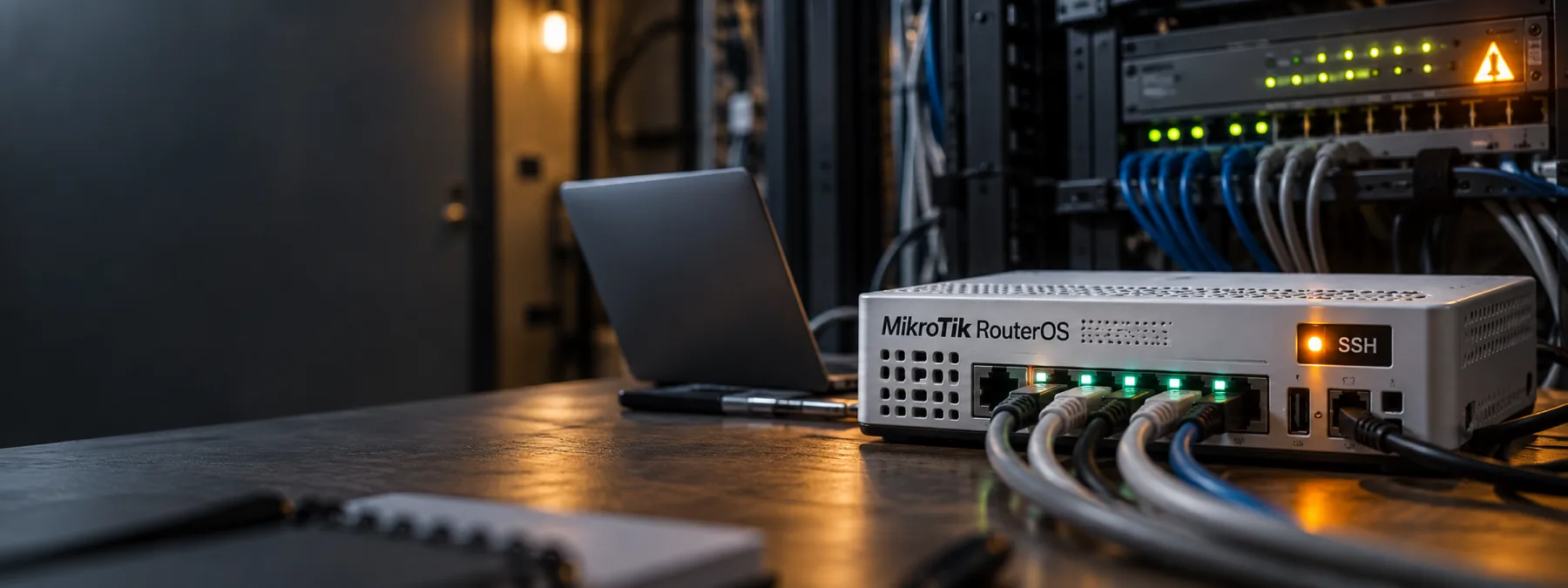
SecurityWeek reported on September 8 that MikroTik has patched multiple RouterOS vulnerabilities after CERT Polska confirmed active attacks against devices with SSH exposed to public networks. The issue is not just that a router vendor released updates. The business issue is that attackers are finding value in small network devices that many organizations stop thinking about after installation.
CERT Polska said it identified six RouterOS vulnerabilities and gave the chained attack the name MikroTrick. Two of the flaws can be combined to take control of a vulnerable device when SSH remote access is reachable from the internet. MikroTik's own security notice says most default configurations are not at immediate risk, but it still recommends upgrading and making sure SSH is not open to untrusted networks.
The router is part of the business system
For a New Jersey office, clinic, nonprofit, school, warehouse, or professional services firm, the router may feel like infrastructure furniture. It sits in a closet, has blinking lights, and only gets attention when the internet is down. That is exactly why edge devices can become weak spots. They control the path between the business and the outside world, but they often fall between purchasing records, MSP ticket history, and monthly security reviews.
The MikroTik story is a useful reminder because the decision is concrete. Owners do not need to understand every CVE number to ask the right operational question: do we know which network devices we run, which management services are exposed, who updates them, and how we would know if one had been changed by someone else?
SSH exposure is an ownership question
SSH is a legitimate administration tool. It is also not something that should be casually open to the internet on a business router. MikroTik recommends limiting access to trusted IP addresses or using a VPN such as WireGuard instead of exposing management ports. CERT Polska also recommends checking for unknown users, scripts, scheduler tasks, proxy servers, tunnels, and other configuration changes after updating.
That work needs an owner. If the answer is "the MSP handles it," the next question is what evidence the MSP can show. If the answer is "our old IT person set it up," the next question is whether credentials, firmware, backups, and remote-access rules were ever reviewed after that person left. If the answer is "we are not sure," that is not a technical detail. That is a management gap.
Questions to ask the IT provider
- Do we use MikroTik RouterOS anywhere? Include main offices, branches, warehouses, guest networks, cameras, remote sites, and temporary connections.
- Which edge devices are in the network inventory? Ask for routers, firewalls, switches, wireless controllers, VPN appliances, ISP-provided equipment, and any devices managed by a vendor.
- Are management ports exposed? Confirm whether SSH, web administration, VPN administration, or remote support services are reachable from the public internet.
- What version is installed? For MikroTik devices, verify whether RouterOS has been updated to a fixed release listed by MikroTik and CERT Polska.
- Was compromise checked, not just patched? Ask whether logs, user accounts, scripts, tunnels, scheduled tasks, and the RouterOS flagged status were reviewed.
- Who owns recurring firmware checks? Put network appliances on the same review calendar as servers, endpoints, cloud accounts, and line-of-business software.
A practical next step
Start with a one-page edge-device review. It should list each router or firewall, its location, who manages it, the firmware version, exposed management services, backup status, remote-access method, and the date of the last configuration review. This does not need to be a research project. It needs to be accurate enough that an owner can see whether a small device is carrying a large business risk.
If MikroTik equipment is present, ask for the RouterOS update status and evidence that SSH exposure has been reviewed. If no MikroTik equipment is present, keep the same question alive for the rest of the network. Cisco, SonicWall, Fortinet, Ubiquiti, ISP-managed routers, and older small-business appliances can all become invisible once they are working.
The useful lesson is simple: edge-device patch management is not only a technical chore. It is part of business continuity, vendor accountability, and network inventory. The box at the edge of the network may be small, but it still needs a name, an owner, and a patch window.
Sources and further reading


