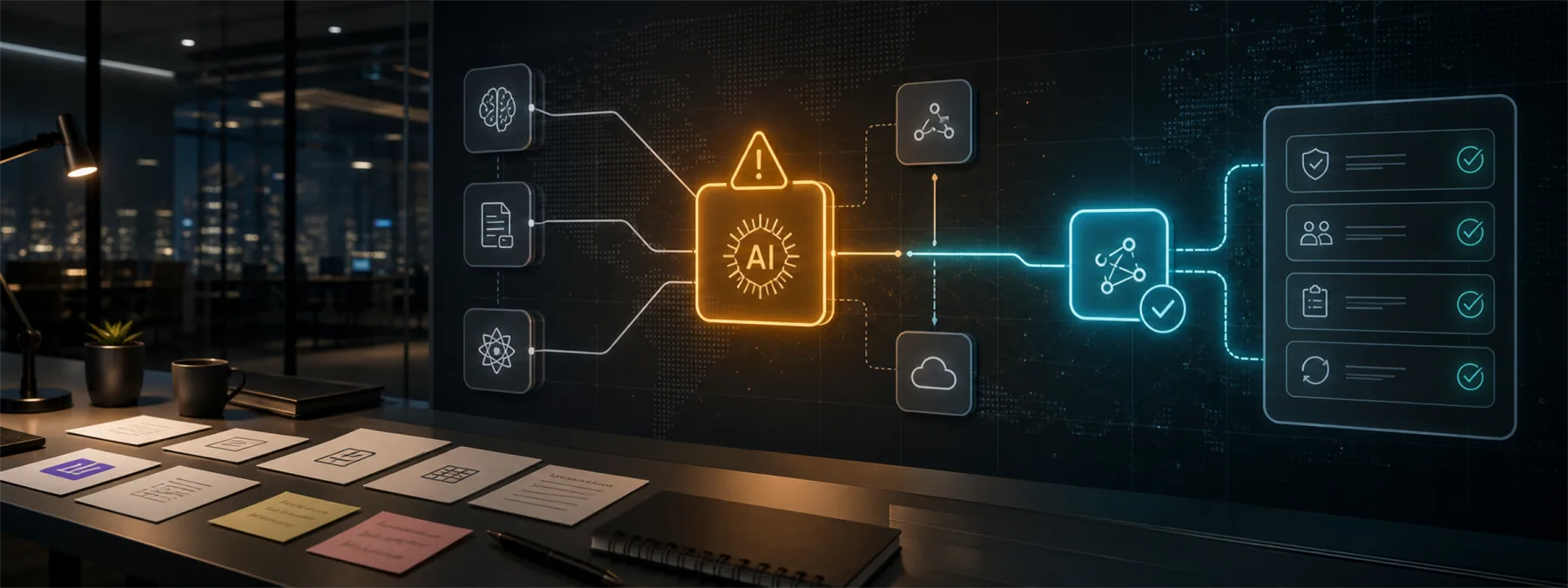
Notion temporarily disabled Anthropic models in Notion AI on June 7 after degraded performance affected Anthropic's Opus 4.7 and 4.8 models. TechCrunch reported later the same day that access was restored after Anthropic described the problem as a brief infrastructure issue that caused elevated errors on multiple Claude models.
For a business owner, the point is not that one AI provider had a short service issue. The more important lesson is that AI features are now being built into everyday productivity tools, and those features may depend on another company's model, infrastructure, status page, and support process.
The Business Risk Is Hidden Dependency
Many organizations approve AI tools as if they are simple software features. In practice, an AI assistant inside a notes, documents, CRM, help desk, or project management platform may depend on a separate model provider behind the scenes. If that provider has degraded performance, the business may see failed requests, slower work, different fallback behavior, or staff confusion about whether the tool can still be trusted for the task at hand.
This is a continuity issue before it is a technical issue. If a team uses AI to draft client updates, summarize meetings, prepare proposals, review support tickets, or search internal knowledge, the owner should know what happens when that feature is unavailable or silently routed to another model.
What Owners Should Ask
Before relying on embedded AI for regular work, ask the vendor, MSP, or internal team direct questions:
- Which business workflows currently depend on AI features inside tools such as Notion, Microsoft 365, Google Workspace, CRM platforms, help desk systems, or document tools?
- Does the vendor use one model provider, multiple providers, or an automatic fallback path?
- If a model is degraded, will users see a clear notice, or will the tool change behavior without explanation?
- Which workflows are allowed to continue with an alternate model, and which should pause until the primary service recovers?
- Who is responsible for checking vendor status pages and telling staff what to do during an AI service disruption?
- Are AI-generated drafts, summaries, or decisions reviewed differently during or immediately after an outage?
Do Not Treat Fallback As an Afterthought
A fallback plan does not need to be complicated. It can be as simple as documenting which tasks can move to a manual process, which can use another approved AI tool, and which should wait. The key is deciding that before staff are already blocked or improvising with unapproved accounts.
Businesses should also avoid assuming that every fallback is equal. A lower-cost model, a different provider, or a non-AI workflow may be acceptable for brainstorming but not for client-facing language, legal review, sensitive records, finance work, or healthcare documentation.
A Practical Next Step
Use this incident as a prompt to create a short AI dependency register. List the approved AI tools, the business process they support, the type of data users may enter, the vendor or model provider involved, and the fallback decision for each workflow.
That register gives owners something concrete to review with their IT provider. It also turns AI adoption from a collection of exciting features into an accountable operating process. The goal is not to avoid AI tools. The goal is to know what the business will do when an AI feature slows down, fails, or changes behavior at the vendor level.
Sources and further reading


