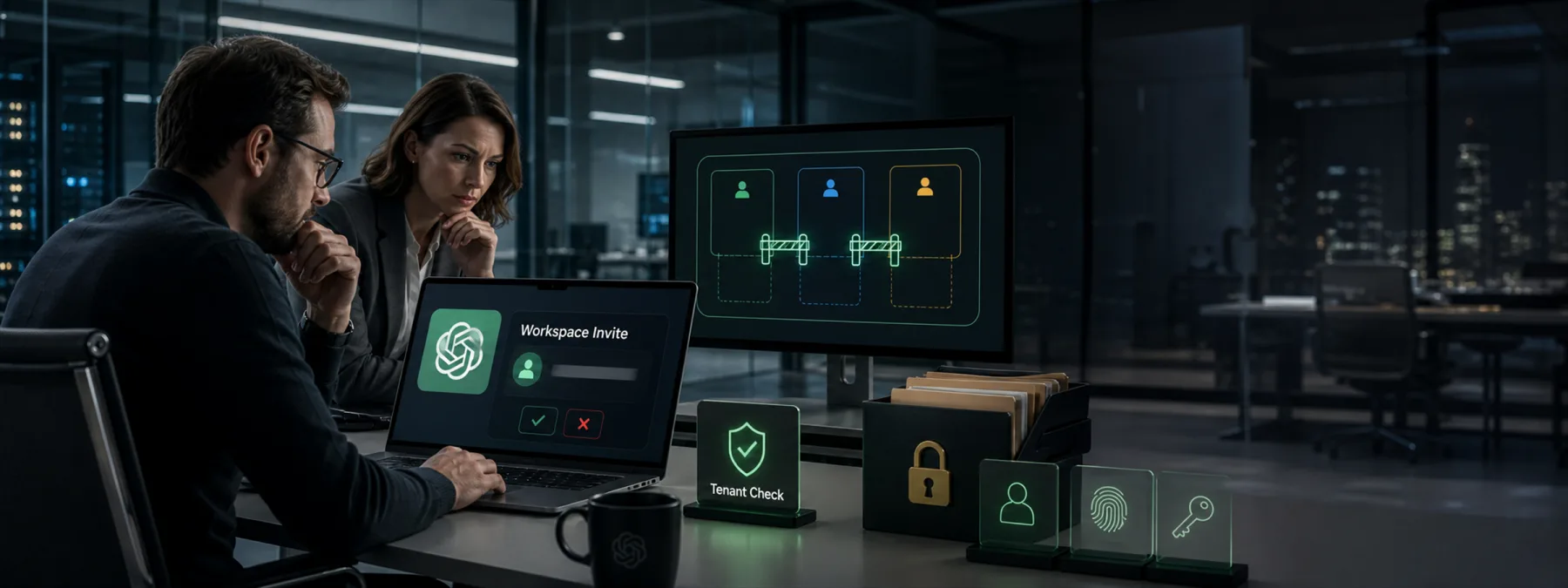
Push Security reported on June 26, 2026 that attackers created an OpenAI organization using the company's name, then sent legitimate-looking OpenAI invitations to selected employees. BleepingComputer reported the same-day campaign and described the suspected goal: get employees to join an attacker-controlled ChatGPT workspace, then capture sensitive prompts, documents, source code, customer details, or strategy entered into that workspace.
The uncomfortable part is that the invitation itself can look official because it comes through the real platform. This is not the usual misspelled-login-page problem. It is closer to a poisoned SaaS tenant attack: the door is real, the building name looks familiar, but the office lease belongs to someone else.
Why This Matters Beyond One AI Tool
Many New Jersey businesses are already using AI tools somewhere in the organization, even when the formal rollout is still catching up. Sales teams test drafts, office managers summarize documents, finance staff ask spreadsheet questions, developers paste code snippets, and managers experiment with meeting notes. If the approved workspace is unclear, an employee may treat any familiar invitation as safe.
That turns AI workspace security into an ownership issue. A business does not only need to decide whether ChatGPT, OpenAI, or another AI service is allowed. It also needs to decide which tenant is company-owned, who administers it, how invitations are approved, what data can be entered, and how the business detects memberships that were accepted somewhere else.
The same pattern applies to other SaaS systems. Collaboration suites, project tools, design apps, support portals, code repositories, file-sharing platforms, CRMs, and vendor portals all use email invitations. A convincing invite can move an employee into a workspace that feels normal while bypassing the company's real controls.
The Business Decision Is Tenant Trust
The practical question is not whether every employee can identify every suspicious email. The better question is whether the business has a clear way to verify workspace legitimacy before access is granted or sensitive data is entered.
Owners and operators should be able to point to the approved AI and SaaS tenants in plain language. That list should include the platform name, owner, administrator, billing owner, allowed domains, data rules, and escalation path. If an employee receives an invitation outside that list, the expected action should be obvious.
This is especially important for organizations that do not yet have single sign-on, domain verification, browser controls, or centralized SaaS discovery. Smaller teams often rely on trust, email, and individual judgment. That can work for low-risk tools, but it becomes fragile when the tool may receive customer records, financial details, personnel information, legal material, healthcare data, code, credentials, or internal strategy.
Questions To Ask Your IT Provider Or Internal Team
- Which AI and SaaS workspaces are officially approved? Ask for a short inventory that includes tenant names, administrators, billing owners, and expected login methods.
- How do employees verify a workspace invitation? There should be a simple channel for confirming whether a ChatGPT workspace invitation, project-tool invite, or vendor-portal invite is legitimate.
- Can outsiders create workspaces that appear to use our company name? Ask whether domain verification, SSO, approved-domain controls, or vendor configuration can reduce that risk.
- Do we know where sensitive prompts and files are going? AI data rules should explain what employees may enter, what requires approval, and what should never be pasted into a public or unverified tenant.
- Can we see accepted memberships outside approved tenants? Browser security tools, identity logs, SaaS management tools, or manual review may reveal accounts joined to unexpected workspaces.
- What happens when an employee reports a suspicious invitation? The process should preserve the email, check the destination tenant, review any data entered, and remove access if needed.
A Practical Next Step
Start with a short AI and SaaS invitation review. Pick the tools employees are most likely to use for sensitive work: AI assistants, document platforms, file-sharing apps, project tools, CRM systems, code repositories, and vendor portals. For each one, document the approved workspace, the administrator, the login method, and the data rules.
Then make the verification step easy. Employees should not need to become security analysts to handle a workspace invite. A simple internal rule is enough to start: if the invitation is unexpected, if it asks the employee to join a new organization, or if the workspace owner is unclear, confirm it through the business's normal IT or management channel before entering data.
For many SMBs, the strongest improvement is not a new tool. It is clarity. AI workspace invitations, SaaS tenant memberships, and vendor portal access should have named owners. When access ownership is visible, suspicious invitations have a harder time blending into normal work.
Sources and further reading


