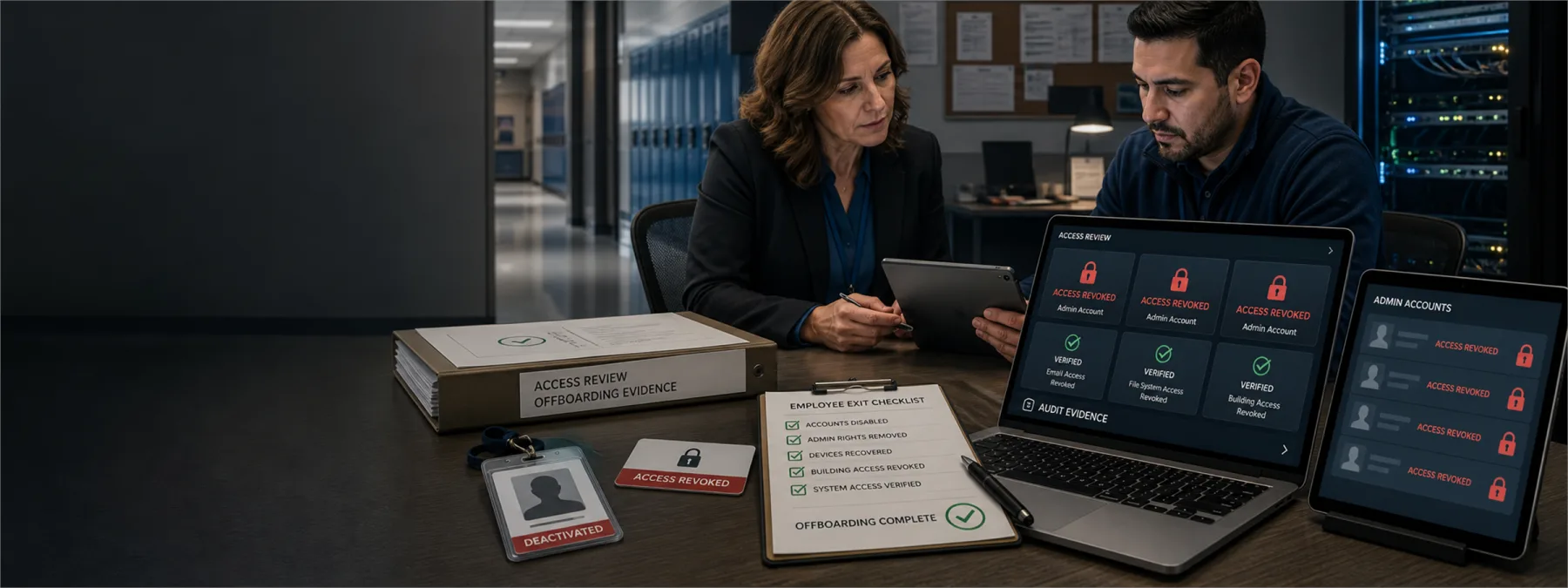
A former IT support specialist at Iowa's Saydel Community School District was sentenced after prosecutors said he retained credentials and repeatedly disrupted district systems after leaving the job. According to same-day reporting from BleepingComputer, the activity affected accounts and school technology platforms, including Apple School Manager, Google administrator access, Gmail accounts, and other online services.
For business owners and school administrators, the lesson is practical: access removal is not a housekeeping task. It is a continuity control. When a person with administrator rights leaves, changes roles, or stops working for an outside IT provider, the organization needs evidence that access has actually been removed.
The Risk Is Bigger Than One Password
Many organizations still treat offboarding as a checklist item handled by the same small group that controls the systems. That can leave gaps in places owners rarely see: mobile device management portals, DNS and registrar accounts, social media pages, cloud storage, learning platforms, firewall consoles, backup tools, shared break-glass accounts, and SaaS administrator roles.
The Saydel case is a useful warning because the disruption was not limited to one system. Reported activity touched identity, device management, educational platforms, email accounts, and third-party services. That is how real operational risk often works. One leftover credential can become a path into several systems if roles, recovery email addresses, and shared administrative access are not reviewed together.
What Owners Should Require
Owners, executives, school leaders, and office managers do not need to personally reset every account. They do need a defensible process that does not depend on trust alone. The decision point is whether to accept a verbal statement that access was removed, or require proof that privileged access was revoked, rotated, and documented.
That proof should cover internal staff, former employees, contractors, software vendors, outsourced help desks, and MSP personnel. It should also cover departures from the vendor's team, not only departures from your own organization. If your provider changes technicians, your business should know how that person's access to your environment is removed.
Questions To Ask Your IT Provider
- Which accounts have administrator, owner, billing, recovery, or emergency access today?
- Who can access Microsoft 365, Google Workspace, Apple Business Manager, Apple School Manager, device management tools, DNS, web hosting, firewalls, backups, and remote support tools?
- When an IT employee, contractor, or MSP technician leaves, who confirms that all access has been removed?
- Are shared administrator passwords still in use, and if so, when are they rotated?
- Are recovery email addresses, phone numbers, authenticator apps, and hardware keys assigned to current authorized staff?
- Can the provider produce an access review showing what changed after the last staff or vendor transition?
- Are logs retained long enough to investigate suspicious activity after an account change?
A Practical Next Step
Ask for a privileged access offboarding review before the next employee departure, vendor change, or contract renewal. The review should list critical systems, named administrators, recovery methods, shared credentials, service accounts, and third-party vendor access. It should also identify who signs off after access is removed.
For schools, healthcare practices, nonprofits, and small businesses, this is not about assuming a former employee will act maliciously. It is about making sure the organization can prove who still has control of the systems that keep work moving. A clean offboarding process protects the business, the departing employee, and the IT provider by removing ambiguity before something goes wrong.
Sources and further reading


