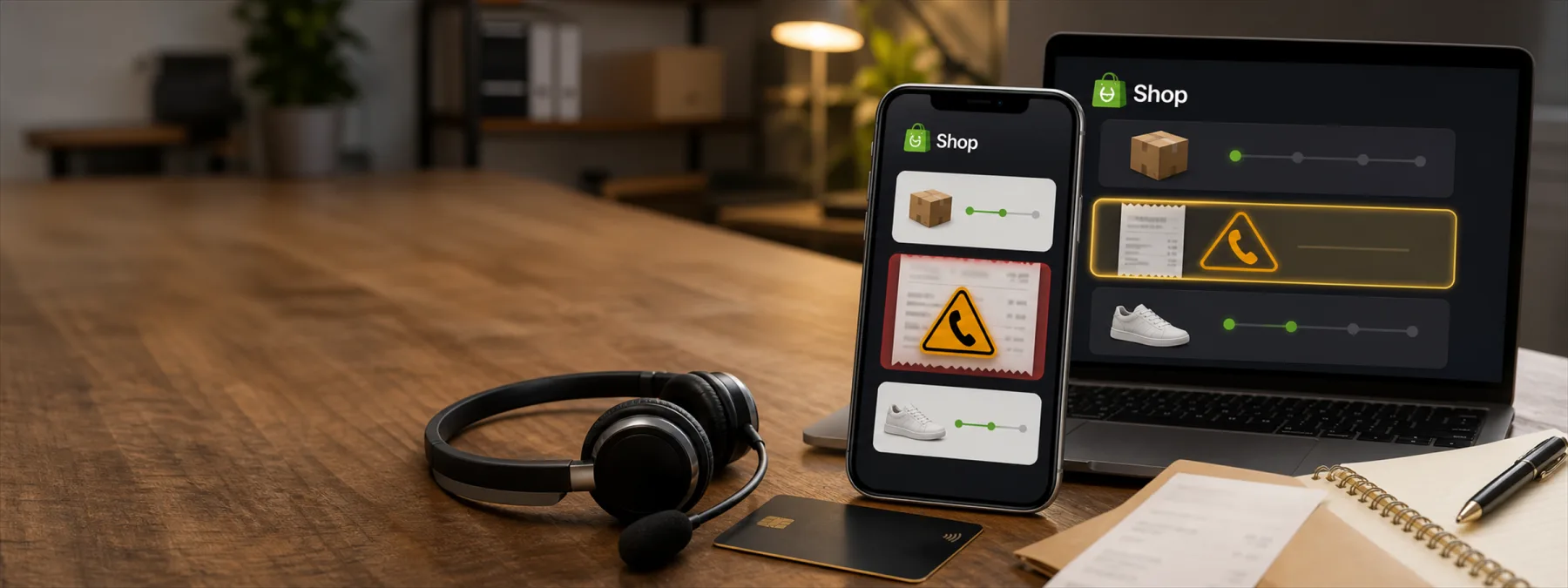
BleepingComputer reported on June 25, 2026 that scammers are using fake purchase receipts inside Shopify's Shop order-tracking app to push callback phishing. The receipts can appear near legitimate order information and include phone numbers for supposed purchase disputes. Once a person calls, the conversation can turn into requests for account credentials, payment-card details, one-time codes, or remote-access software.
The report is careful about what is known and what is not. Researchers cited by BleepingComputer said they found no evidence that Shop, Shopify, or the impersonated brands were compromised. The exact path used to place the fraudulent receipts into the app was also not confirmed. That uncertainty matters, because the business risk is less about blaming one platform and more about how trusted notification channels can be used to make a scam feel official.
Why this matters beyond one shopping app
Most security training tells people to be careful with suspicious emails. That advice is still useful, but it does not cover every modern workflow. Employees and customers now receive business signals from order apps, payment portals, collaboration tools, help desks, text messages, banking apps, shipping dashboards, and customer-service platforms.
When a fake charge or receipt appears in a place someone already trusts, the normal warning signs can be weaker. The person may not be clicking a strange link in an email. They may be looking at what appears to be a familiar app, a familiar brand, and a familiar support process. That is why callback phishing works: the attacker moves the victim from a written message into a live conversation where pressure, confusion, and authority can do the heavy lifting.
The business decision is verification
For a business owner, this is not only a consumer scam story. It is a reminder to define which channels are allowed to trigger action. A surprise receipt should not automatically lead to a phone call. A claimed card charge should not automatically lead to a password reset. A support agent on the phone should not automatically get a one-time code. And remote-access software should never be installed just because someone says it will help cancel a transaction.
The practical question is simple: does your team have a written verification path, or does each person improvise when a message looks urgent?
That question applies to ecommerce teams, office managers, finance staff, customer support teams, and anyone who handles vendor portals or payment disputes. A small business does not need a huge policy manual, but it does need a clear rule for where staff verify unexpected charges and who approves any sensitive next step.
Questions to ask your IT provider or internal team
- Payment verification: How should staff verify an unexpected receipt, refund request, subscription charge, or disputed purchase before calling anyone?
- Approved contact paths: Which phone numbers, vendor portals, bank sites, and support channels are trusted, and where are they documented?
- One-time codes: Are employees trained that MFA codes and temporary passcodes are never shared with callers, even when the caller sounds helpful?
- Remote access: Who is allowed to approve remote-support software, and how is that approval recorded?
- Customer support scripts: If customers call about suspicious receipts or fake orders, does the team know how to respond without collecting unnecessary sensitive data?
- Browser and mobile hygiene: Are work devices configured to limit risky extensions, unknown remote-access tools, and personal shopping accounts where appropriate?
A practical next step
Start with the workflows most likely to create confusion: card charges, subscriptions, ecommerce orders, refunds, customer complaints, and remote support. Write down the approved verification path for each one. The path should point staff back to known portals, known phone numbers, the bank or card issuer, or an internal manager rather than a contact method supplied inside an unexpected notification.
Then make the rule specific enough to be usable: no one shares one-time codes with callers, no one installs remote-access tools without approval, and no one changes payment information from a phone conversation alone. That is the difference between telling people to be careful and giving them a process they can follow when the receipt looks real and the clock feels like it is ticking.
Trusted apps and familiar brands will continue to be attractive places for scammers to create urgency. The fix is not panic or platform blame. It is a better verification habit, written down before the next fake receipt arrives.
Sources and further reading


