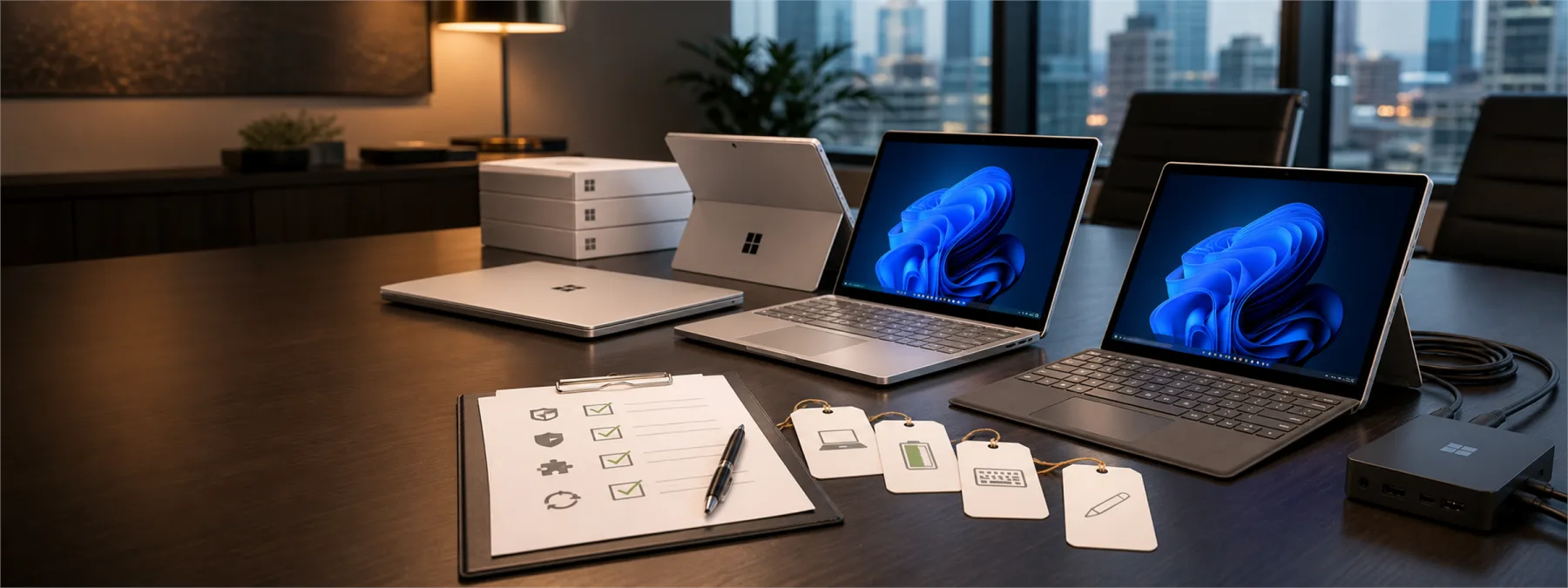
Microsoft introduced new Surface Pro and Surface Laptop models on June 16, with Snapdragon X2 processors, higher-performance claims, new device options, and Surface for Business availability scheduled to begin July 14. For business owners, the important question is not whether the new hardware looks appealing. The question is whether the organization has a clear endpoint standard before staff start asking for individual upgrades.
Small businesses often buy laptops one request at a time. A manager needs a faster machine. A new employee needs a device by Monday. A remote worker wants longer battery life. Those requests sound reasonable in isolation, but they can quietly create a mixed fleet that is harder to support, harder to secure, and harder to budget.
The Business Decision Is Not Just Which Laptop To Buy
A new PC launch is a useful checkpoint because it forces several practical decisions at once. Which roles actually need premium mobile hardware? Which applications have to be tested before a Windows on Arm device is approved? Which users need tablet flexibility, better cameras, or longer battery life, and which simply need a reliable standard laptop?
The new Surface announcement also points to issues that should be part of any refresh plan: business availability timing, warranty and protection options, trade-in handling, repair workflows, and whether a device can be managed consistently with the rest of the fleet. Those details matter more than the launch-day headline because they determine what happens after the purchase order is approved.
If an organization does not define those rules, the default standard becomes whatever was easiest to buy last. That is how businesses end up supporting too many models, too many charger types, uneven warranty coverage, and devices that do not match the applications people actually use.
Windows On Arm Needs An App Compatibility Check
Because the new Surface Pro and Surface Laptop models use Snapdragon X2 processors, owners should ask for a basic application compatibility review before approving them as a broad standard. Many modern cloud and Microsoft 365 workflows may be straightforward, but line-of-business software, older drivers, accounting tools, scanner utilities, label printers, remote access clients, security agents, and industry-specific applications still deserve testing.
This does not mean a business should avoid the devices. It means the decision should be owned. Before approving a new endpoint class, ask who will confirm that the required apps, peripherals, management tools, backup tools, and security controls work as expected. A small pilot can prevent a larger support problem later.
Questions Owners Should Ask Before Approving A Refresh
- What is our standard device list? Ask whether the business has approved models by role, such as office staff, executives, field workers, creative users, and temporary employees.
- Which applications must pass testing? Require a short list of business-critical apps, browser extensions, device drivers, VPN clients, endpoint security tools, and peripherals that must be checked before rollout.
- Who owns support after purchase? Confirm whether the MSP, internal IT lead, or vendor will handle setup, warranty claims, repairs, replacement devices, and user support.
- What is the full cost per user? Include keyboard, dock, monitor, warranty, protection plan, software licensing, migration time, and old-device retirement instead of comparing only the device price.
- How will devices be secured and managed? Ask whether the devices will be enrolled in management, encrypted, patched, backed up where appropriate, and covered by the same endpoint policies as the rest of the company.
- What is the refresh schedule? Decide whether purchases are emergency replacements, scheduled lifecycle replacements, or special approvals for roles that need premium hardware.
A Practical Next Step
Before approving a batch of new laptops or tablets, ask your IT provider for a one-page endpoint standard. It should list approved device models, required specifications, supported roles, tested applications, warranty expectations, setup steps, security controls, and replacement timing.
That document does not need to be complicated. It needs to be clear enough that a business owner can understand what is being bought, why it is being recommended, and what support obligations come with it. A launch like Microsoft's new Surface lineup is a good moment to have that conversation because the tradeoffs are visible: performance, portability, cost, compatibility, supportability, and timing.
Better hardware can help a team work faster, but only when it fits the operating model around it. The responsible decision is to approve devices as part of a managed endpoint plan, not as a series of disconnected purchases.
Sources and further reading
- Introducing the next Surface Pro and Surface Laptop, built for performance and flexibility
- Latest news
- Surface Laptop for Business, 13.8 and 15-inch
- The Microsoft Surface Laptop 8 and Surface Pro 12 now come with Snapdragon X2 chips
- The New Surface Laptop and Surface Pro Get New Chips, Colors, and Pricing


