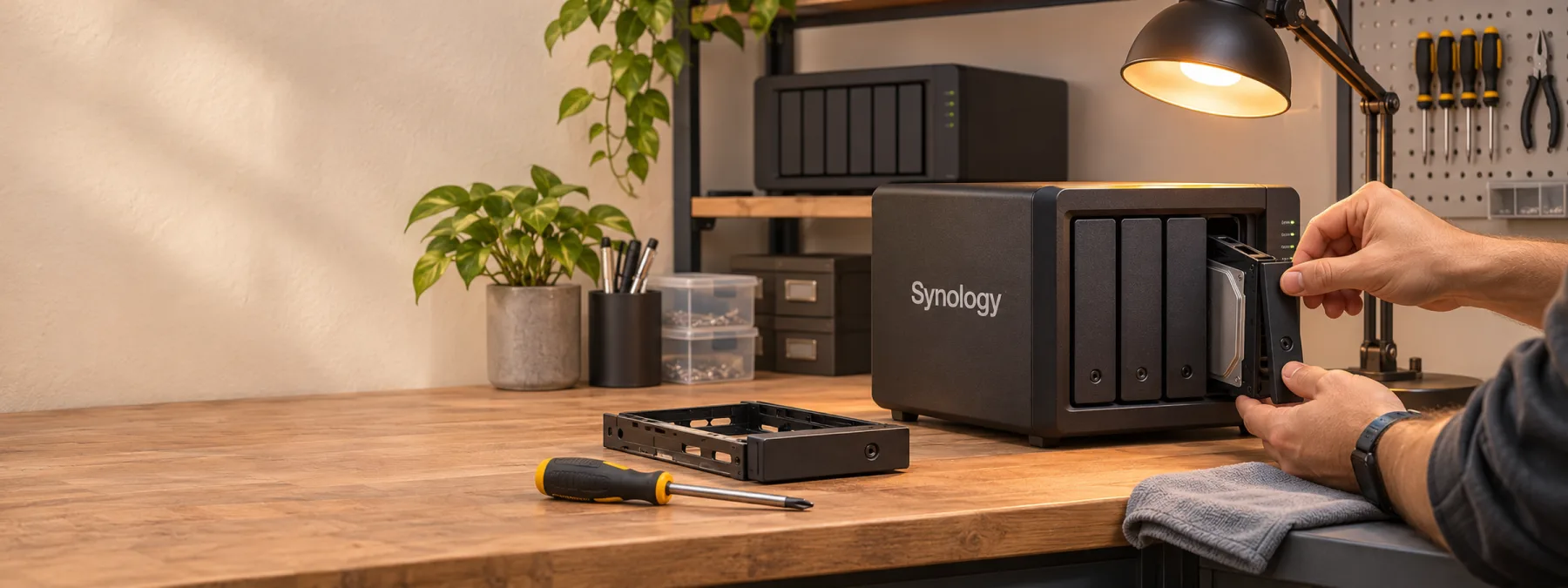
The little storage box can hold an outsized share of a business: shared documents, backup jobs, archived projects and the files everyone assumes will be there tomorrow. Synology's latest security updates deserve the same attention you would give a server carrying that workload.
Synology's NGINX2Root advisory, updated November 26, now lists fixes across several DSM releases, APM and BeeStation OS 1.5. A separate November 19 advisory covers a critical flaw in the DSM OAuth API. Steve Gibson covered the recent Synology issues on Security Now! episode 1106. For an owner, the useful response starts with knowing exactly which appliance and software versions your business is running.
Two advisories, two things to check
The OAuth issue, CVE-2026-120382, carries a 9.8 severity score. Synology says remote attackers can read or write files and cause denial of service. Its advisory identifies DSM 7.4.1-90080-2 and 7.3.2-86009-6 as fixed builds and gives deactivating the OAuth Service package as a mitigation. Check the current product-specific guidance before making changes, especially on older DSM branches or BeeStation.
The separate NGINX issue, CVE-2026-123007, involves HTTP version 2 processing. Synology's current table includes DSM 7.4.1-90080-2, 7.3.2-86009-6, 7.2.2-72806-11, 7.2.1-69057-14 and 7.1.1-42962-10, or later releases. It also lists BeeStation OS 1.5.6-68000 and APM 2.0.2-88107. DSM Enterprise 1.0 remains marked ongoing in that advisory. Disabling HTTP version 2 is its stated mitigation.
Those are separate advisories. A fix listed for one product in one table should not become an assumption that every vulnerability on the appliance is resolved. Have the person doing the work match the actual model, DSM branch and installed packages to each applicable notice.
The update needs an owner and a finish line
It is easy to agree that updates matter and still leave the NAS between responsibilities. The office thinks the backup company handles it. The backup company may only be checking whether its job completed. The person who installed the NAS may no longer be involved. A maintenance agreement should settle that gap in plain language.
I'd want an inventory entry with the model and installed build, a named person reviewing advisories, and a maintenance window suited to the business. Before the change, verify that a usable backup exists outside the appliance's immediate failure path. RAID keeps certain disk failures from stopping a system; it does not replace an independent backup.
Afterward, record the installed build and test the work people depend on: opening shared files, completing a backup job and restoring a representative file. An update notification is only the start of that conversation. A successful restart is useful evidence, but the file share and the recovery process still need their own checks.
Access changes deserve equal care. If the work includes credentials, permissions or management-access restrictions, keep the original administrative session open while a separate fresh session proves the intended login and administrative privileges from the authorized source. Verify the repair separately. That simple habit can prevent a security improvement from turning into a lockout.
Put NAS maintenance inside managed IT support
Tekmyster's managed IT services offer a way to put recurring maintenance, monitoring, troubleshooting and vendor coordination under an agreed scope. For a business relying on Synology storage, the conversation should include NAS updates, package ownership, backup checks, recovery testing and support for hardware approaching the end of its useful life.
For a New Jersey business with a Synology sitting quietly in a cabinet, this is a good opportunity to clarify that responsibility. Explore Tekmyster's managed IT services or contact Tekmyster to discuss your NAS and backup maintenance. Bring the model number and the installed DSM version. That gives us something concrete to work from.
Sources and further reading