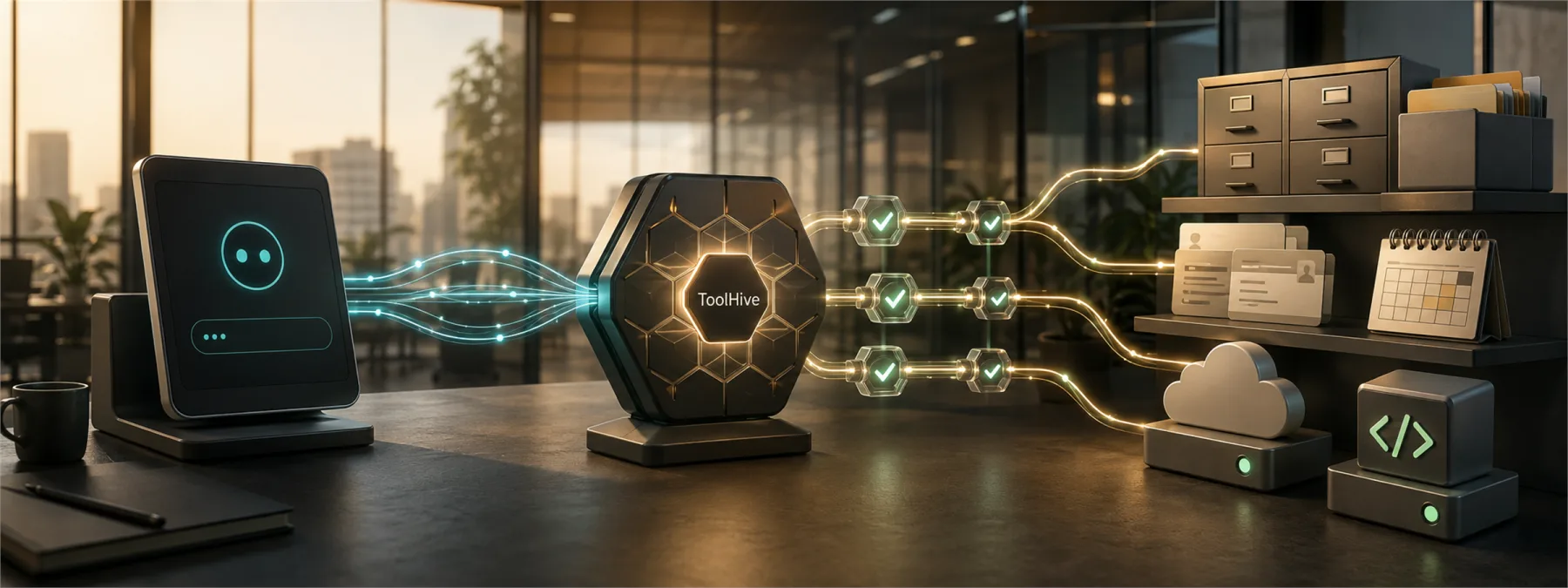
Help Net Security reported on September 7, 2026 that Stacklok's open-source ToolHive platform gives teams a way to run Model Context Protocol servers in containers, curate approved MCP servers, apply identity policy, and keep audit logs. That may sound like developer plumbing, but the business issue is easier to recognize: AI assistants are getting connectors into company systems.
An MCP server is a connector that lets an AI client reach an outside tool or data source. That can be useful when an assistant needs to work with files, tickets, calendars, code repositories, documentation, or internal systems. It also means the assistant may inherit access to information and actions the business did not realize it had approved.
The connector layer is becoming an access layer
Many companies treat AI tools as individual apps. The more important question is what those apps can touch. A browser extension that summarizes a document is one level of risk. An AI assistant connected to file storage, project tickets, CRM records, source code, or cloud admin tools is another.
ToolHive is notable because its model reflects where this market is heading: approved registries, container isolation, permissions, identity enforcement, and audit trails around AI tool connectors. Whether a company uses ToolHive, another platform, or a provider-managed approach, the owner decision is the same. AI connector rollout should not happen as a quiet workstation-by-workstation experiment.
What owners should ask before approving AI connectors
The practical review is not about becoming an MCP expert. It is about making sure the business can answer basic access-control questions before the tool becomes routine.
- Inventory: Which AI tool connectors and MCP servers are approved, and where are they running?
- Data reach: What files, mailboxes, tickets, databases, or SaaS systems can each connector access?
- Credential handling: Are tokens and API keys stored centrally, rotated, and removed when access is no longer needed?
- Installation control: Who can add a new connector, and is there a review before it becomes available to staff?
- Isolation: Does each connector run with limited permissions, or does it inherit broad access from the user's device?
- Audit trail: Can the business see what connector was used, by whom, against which system, and when?
Why this matters for smaller teams
Large enterprises may turn this into a platform engineering project. Smaller businesses need a simpler version of the same discipline. If an employee can connect an AI assistant to shared drives, customer records, accounting exports, or support systems, the company needs a record of that decision.
This is especially important for New Jersey businesses that rely on outside IT providers, software vendors, or fractional operations teams. The business owner may not personally configure the connector, but the owner can require the provider to document what was approved, what was blocked, and how access can be revoked.
The next step is a short AI access inventory
A good starting point is a one-page AI connector inventory. List the AI tools in use, the connectors enabled, the systems they reach, the business owner for each approval, and the logging or review process. If the answer is unknown, that is not a crisis. It is a useful signal that AI adoption has moved faster than the access review.
ToolHive's appearance in the news is not just about one open-source project. It is a reminder that AI assistants are no longer isolated chat boxes. Once they can act through connectors, those connectors belong in the same conversation as SaaS permissions, vendor access, and privileged accounts.
Sources and further reading


