BleepingComputer reported on July 8, 2026 that Ubiquiti has released security updates for critical vulnerabilities across parts of the UniFi ecosystem, including a maximum-severity issue affecting UniFi Connect Application. Public vulnerability records for CVE-2026-50746 describe improper access control that could allow command injection on an affected host device, and Ubiquiti's advisory points customers to updated software.
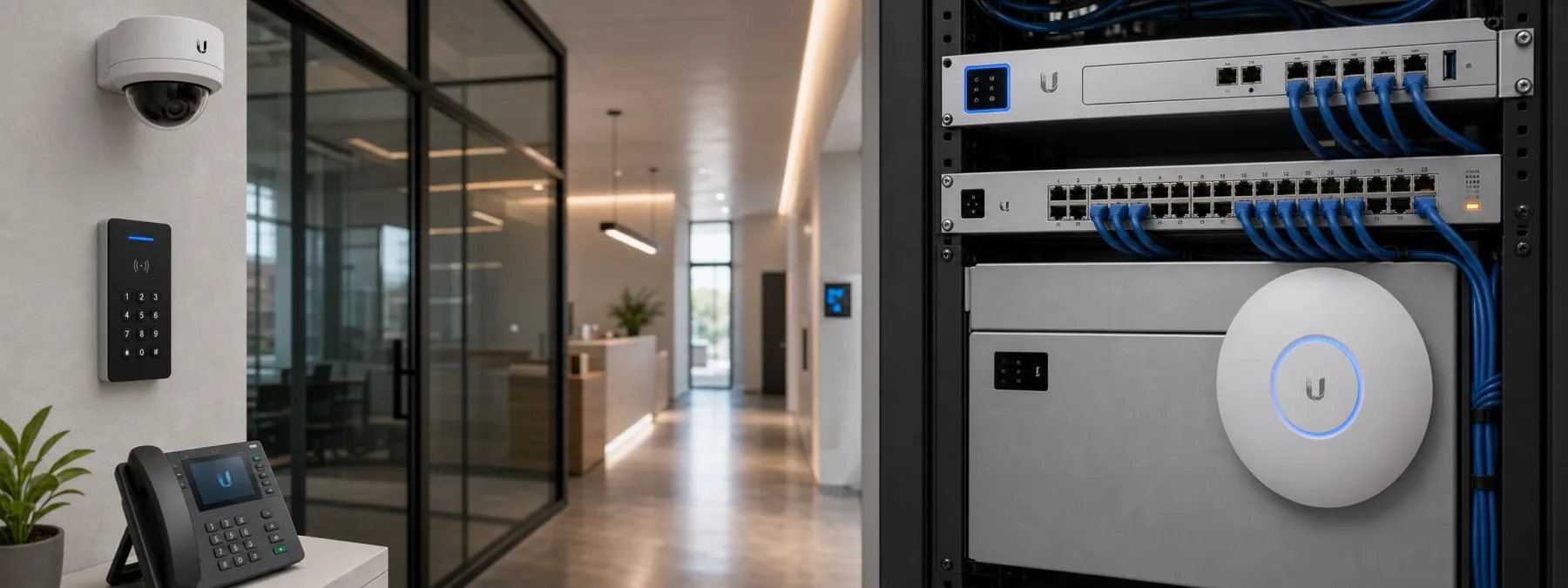
That may sound like a normal networking patch story. For many small and mid-sized businesses, it is more than that. UniFi equipment often sits close to the practical machinery of the office: Wi-Fi, routing, cameras, phones, door access, signage, lighting, and other building systems. When the controller is vulnerable, the question is not only whether someone clicked update. It is who actually owns the risk.
Why this matters to business owners
A modern network controller can become a quiet source of business exposure because it touches systems that people outside IT depend on every day. A doctor office may use connected cameras and guest Wi-Fi. A school or nonprofit may depend on door access, phones, and cameras. A manufacturer may have networked devices spread across offices, warehouses, and floor areas.
The business decision is not whether Ubiquiti is good or bad. The decision is whether the organization can prove that important network and building-management systems are inventoried, updated, segmented, backed up, and assigned to a responsible owner.
The owner question behind the patch
For a Ubiquiti UniFi OS vulnerability or UniFi Connect Application update, the risky gap is often operational. A business may know it has UniFi Wi-Fi, but not know whether it also has UniFi Protect, Access, Talk, Connect, or a self-hosted UniFi OS Server. The person who installed the gear may be a vendor, an internal employee, a former consultant, a facilities contractor, or an MSP.
That ownership map matters. If no one knows where the controller runs, how it is reached, what it controls, or whether it is exposed to untrusted networks, the patch becomes a guessing exercise. Guessing is a poor maintenance plan, even when the hardware has blinking lights that look confident.
Questions to ask your IT provider or vendor
- Do we use UniFi Connect, UniFi OS Server, UniFi Protect, UniFi Access, UniFi Talk, or related UniFi applications?
- Which versions are running, and are the affected systems updated to the fixed releases?
- Where is the UniFi controller hosted: cloud console, local appliance, server, NAS, or workstation?
- Can the controller be reached from guest Wi-Fi, vendor networks, public internet, or other untrusted segments?
- What business systems depend on it, including cameras, doors, phones, signage, lighting, or EV charging?
- Who approves updates, who verifies them afterward, and where is that evidence documented?
- Is there a backup and rollback plan if an update interrupts building operations?
A practical next step
Ask for a short UniFi asset review, not a vague statement that everything is handled. The useful output is simple: products in use, versions, controller location, exposure path, update status, backup status, and the name of the person or provider accountable for the next update.
For New Jersey business owners and office managers, this is also a good time to separate routine IT from facilities technology. Cameras, access systems, phones, and lighting may feel like building equipment, but if they are managed through the network, they belong in the technology risk review. The safest answer is not panic. It is documented ownership before the next urgent patch notice arrives.
Sources and further reading


