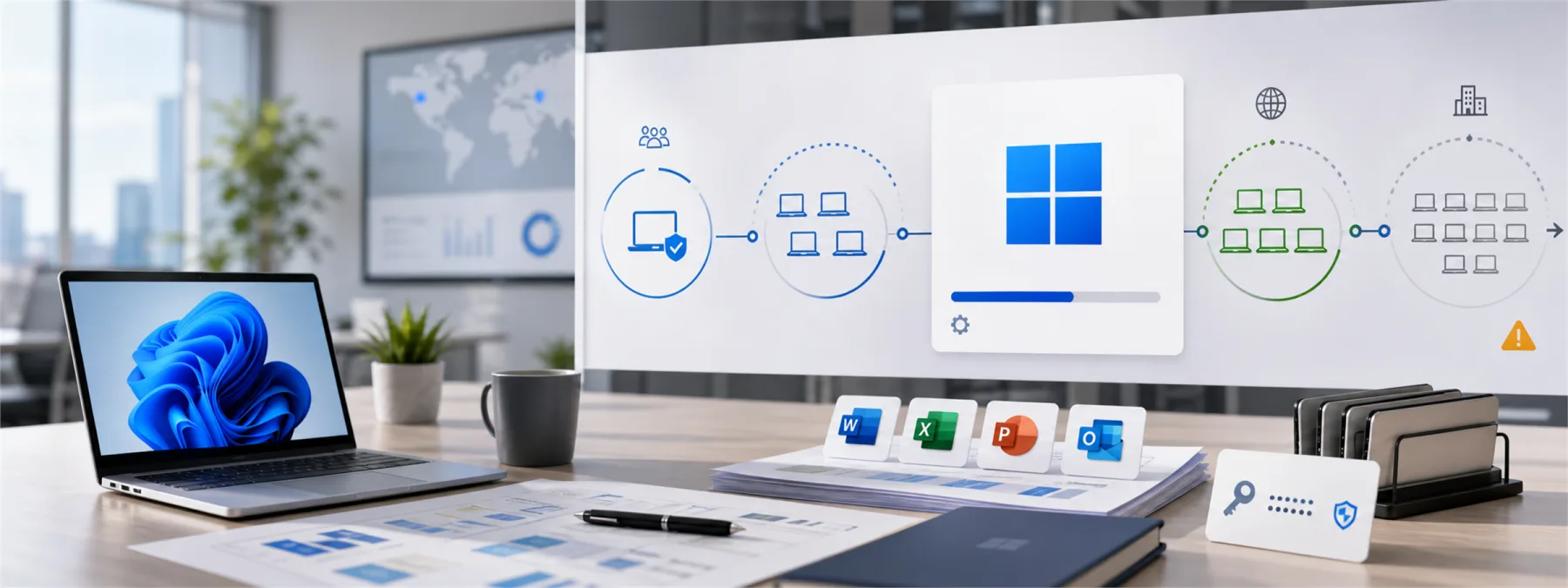
Same-day technology coverage on June 21, 2026 reported that Microsoft has acknowledged known issues tied to the Windows 11 KB5094126 June update, including problems where some Microsoft Office applications may fail to open from certain third-party apps and a Recycle Bin confirmation dialog may show an internal file name instead of the original file name.
Microsoft's own KB5094126 support page lists those two known issues in its change log. The Office issue matters because many business applications do not work alone. Accounting systems, document-management tools, dental and medical practice applications, reporting tools, and workflow software may launch Word, Excel, or PowerPoint in the background through older integration methods such as OLE automation.
That turns a Windows update into a business workflow question. The update may still be important, especially when security fixes are involved. But owners should know whether updates are tested against the software that actually runs the office before the update reaches everyone.
The Risk Is Workflow Breakage, Not Just A Bug
A broken Recycle Bin prompt is annoying. Office apps failing to open from a third-party application can interrupt real work. A billing team may not be able to generate letters. A healthcare office may not be able to open a document from a patient-management workflow. A finance employee may be forced to export files manually. A manager may think Office is broken when the real issue is the path another application uses to call it.
The practical lesson is not to avoid Windows updates. Delaying every update creates its own security and support risk. The better lesson is that update management should include testing, rollback planning, and clear ownership for business-critical apps.
This is especially important for small and mid-sized businesses that rely on an MSP, software vendor, or part-time IT support. If nobody owns the test path, the first test may happen at 8:15 Monday morning when an employee cannot open the document needed for a customer, patient, student, or invoice.
What Owners Should Ask The IT Provider
- Are Windows updates deployed in rings? A small test group should see updates before the entire organization does.
- Which line-of-business apps were tested with KB5094126? The answer should include apps that launch Word, Excel, PowerPoint, PDFs, scanners, or document templates.
- Do any critical apps use Office automation? Accounting, tax, legal, dental, medical, and document-management systems often depend on Office integrations.
- Are BitLocker recovery keys documented and reachable? Troubleshooting update problems gets much harder when recovery information is missing.
- What is the rollback decision point? Decide who can pause deployment, uninstall an update, or wait for a vendor fix.
- Who communicates with the software vendor? If the issue involves a third-party app, the MSP and app vendor may both need to be involved.
- What evidence will leadership receive? A short note with the update status, affected apps, user impact, and next action is more useful than a vague assurance.
Do Not Let Testing Become Guesswork
Many businesses have a test group without realizing it: the first few employees who complain. That is not a plan. A practical update process names the pilot devices, includes different departments, checks high-value workflows, and confirms that recovery keys and backups are available before broad deployment.
For KB5094126, the most relevant test is not whether Windows starts. It is whether the business can still do ordinary work. Can the billing app launch Word? Can the practice-management system create a document? Can the document-management tool open Excel? Can users reach OneDrive and shared files normally? Can the provider explain which known issues apply and which do not?
Owners do not need to review every Microsoft support page themselves. They do need a provider who can translate update news into business impact and show the testing path. A small Windows update can still step on a big workflow if nobody checks where the business actually walks.
A Practical Next Step
Ask your IT provider for a one-page Windows update readiness note for June 2026 updates. It should list the deployment rings, pilot users, critical apps tested, Office integration checks, known issues reviewed, BitLocker recovery-key status, and the plan if an app breaks.
If your business already installed KB5094126 and users report Office, OneDrive, File Explorer, BitLocker, startup, or app-launch issues, document which device, app, and action failed before uninstalling updates or changing settings. Good troubleshooting starts with repeatable facts.
The point is not to turn every Windows update into a committee meeting. The point is to keep routine maintenance from becoming surprise downtime. Update testing is not glamorous, but neither is rebuilding a workday around a broken button.
Sources and further reading


