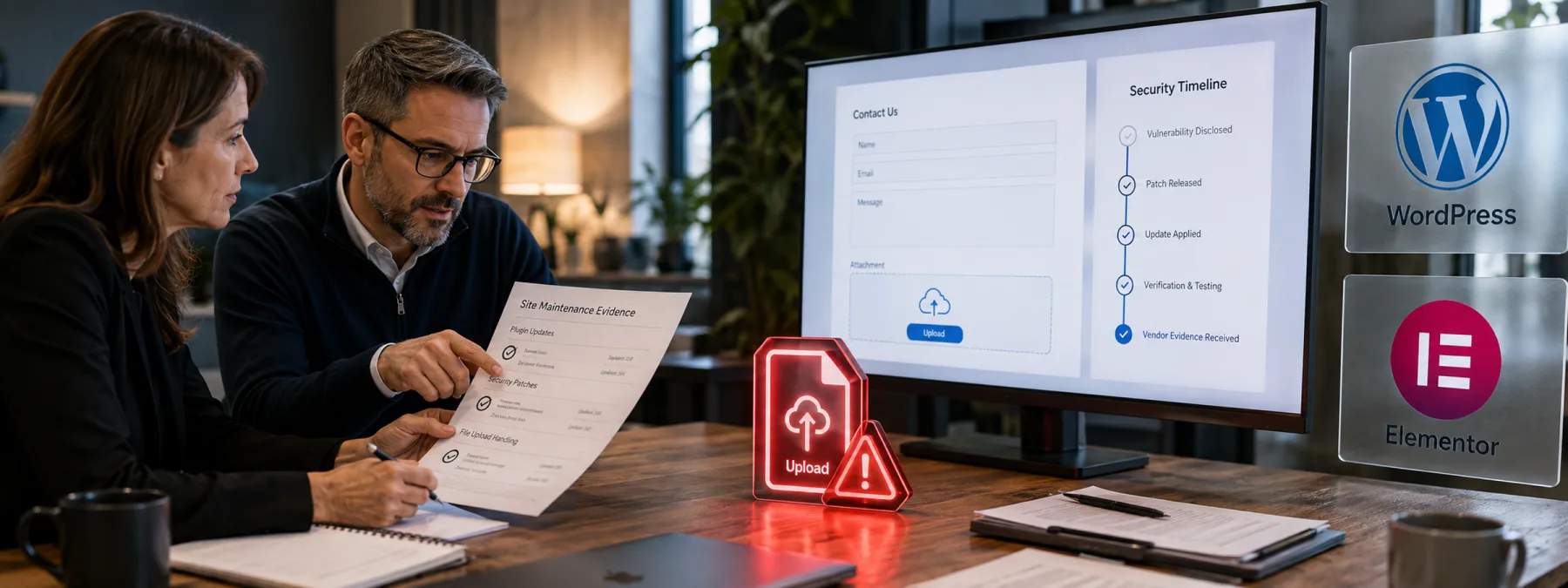
The Hacker News reported on September 4 that attackers are exploiting critical file-upload flaws in two WordPress plugins: Super Forms and Elementor Pro. The report cited Wordfence findings that described more than 440,000 blocked exploit attempts across the two issues, with the flaws allowing unauthenticated attackers to upload executable PHP files under affected configurations.
That is more than a WordPress housekeeping item. Many small businesses, nonprofits, professional firms, schools, and healthcare practices rely on a website vendor, freelancer, marketing agency, host, or MSP to keep their public site maintained. When a WordPress plugin exploit is actively being used, the owner-level question is not only whether the plugin is current today. It is whether the site was exposed yesterday, whether attack attempts reached it, and whether anyone looked for files or accounts that should not be there.
The risk sits in a familiar workflow
Both issues involve form or upload behavior, which is exactly the kind of website feature business owners tend to treat as routine. Contact forms, file-upload fields, quote requests, job applications, patient intake handoffs, donation forms, and support requests can all become part of the exposure discussion when a plugin processes uploads incorrectly.
Wordfence said the Super Forms issue, tracked as CVE-2026-14894, affected versions up to and including 6.3.313 and was patched in 6.3.314. Wordfence also said the Elementor Pro issue, tracked as CVE-2026-32475, affected versions up to and including 4.2.1 and was patched in 4.2.2. In both cases, the practical concern is that an update closes the front door going forward but may not prove nobody already walked through it.
A patch notice is not the whole answer
For a small business website security review, the answer should be specific enough for a nontechnical owner to understand. A vendor saying the site is updated may be true and still incomplete. If attackers were already probing the vulnerable path, someone should be able to explain what was checked after the update.
This is where vendor accountability matters. The maintainer should know which plugins are installed, which versions were running before the patch, whether vulnerable form configurations were present, when updates were applied, and whether logs or file changes suggest suspicious activity. If the site supports payments, client uploads, lead forms, protected content, or healthcare-adjacent workflows, the review should be more than a quick plugin dashboard screenshot.
Questions for the website maintainer
- Are Super Forms or Elementor Pro installed? If yes, ask for the current version and the version that was running before the latest update.
- Were upload fields or form widgets exposed publicly? The risk depends on plugin behavior and site configuration, not only whether WordPress itself is current.
- When was the site patched? Ask for the date and time, especially if the site handles leads, files, customer records, appointments, donations, or payments.
- Were recent PHP files reviewed? Wordfence recommended checking for unexpected or recently modified PHP files after the relevant exposure windows.
- Were logs checked for exploit attempts? The goal is not perfect certainty. The goal is a reasonable review of suspicious requests, uploads, new administrator accounts, and changed files.
- Are backups clean and restorable? A backup is useful only if it predates compromise and can be restored without reintroducing the same problem.
The practical next step
Owners do not need to become WordPress security engineers. They do need a short, written answer from the person or company responsible for the site. Ask for a one-page plugin security summary that lists affected plugins, versions, patch timing, log review, file review, administrator account review, and backup status.
If the answer is only that automatic updates are enabled, keep asking. Automatic updates are helpful, but they do not replace evidence. Website maintenance is not just making the dashboard look quiet; it is knowing whether the site still deserves that quiet.
Sources and further reading


